1
Section 3 - Configuration
Captive Portal
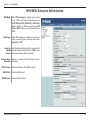
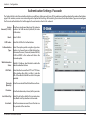
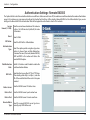
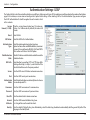
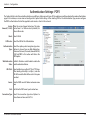
Authentication Settings-Web Redirection Only
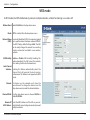
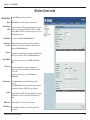
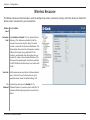
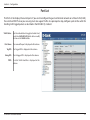
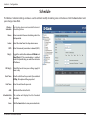
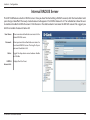
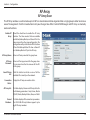
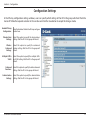
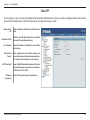
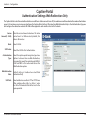
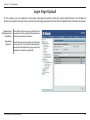
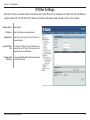
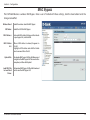
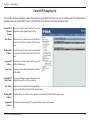
The Captive Portal is a built-in web authentication server. When a station connects to an AP, the web browser will be redirected to a web authentication
page. In this window, user can view and configure the Captive Portal settings. After selecting Web Redirection Only as the Authentication Type, we
can configure the redirection website URL that will be applied to each wireless client in this network.
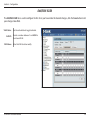
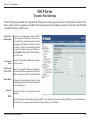
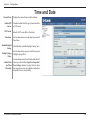
Session
timeout(1-1440) :
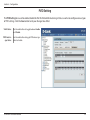
Band :
SSID Index :
Enter the session timeout value here. This value
can be from 1 to 1440 minutes. By default, this
value is 60 minutes.
Select 2.4GHz.
Select the SSID for this Authentication.
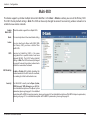
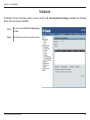
Authentication
Type :
Select the captive portal encryption type here.
Options to choose from are Web Redirection,
Username/Password, Passcode, Remote RADIUS,
LDAP and POP3. In this section we’ll discuss the
Web Redirection option.
Web Redirection
State :
Default setting is Enable when select Web
Redirection Only.
URL Path :
Select whether to use either HTTP or HTTPS here.
After selecting either http:// or https://, enter
the URL of the website that will be used in the
space provided.
D-Link DAP-2360 User Manual
50