1
Navigation
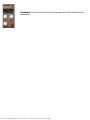
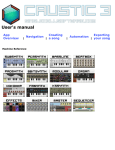
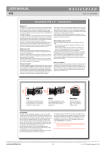
There are three main components to Caustic's user interface (UI). The rack scrollbar, the control panel
and the machine view.
To switch between machines in the machine view, touch then scroll up/down with the rack scrollbar.
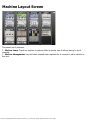
Alternatively, you can press the Machine Button on the left side of the control panel to bring up the
Machine Layout screen. Touching any one of the machines in this screen will quickly jump to this machine.
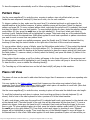
The app's main menu can be accessed by pressing the menu button in the control panel at any time. If
your device has a menu button, this will also show the menu when pressed (Android only).
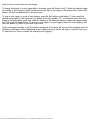
To control playback, use the Play and Stop buttons in the Control Panel. Pressing twice on the stop
button rewinds the playback cursor to the beginning of the loop if loop cursors are set in the Sequencer, or
back to the start of the song if no loop cursors are set. Pressing a third time will bring the playback cursor
to the beginning if a loop is set.
http://www.singlecellsoftware.com/docs/caustic/v2_1_0/navigation.htm[16/01/2013 8:33:17 AM]