1
Conceptronic C300APRA2
User Manual
Application Filter
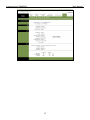
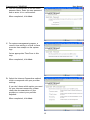
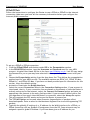
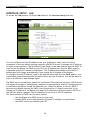
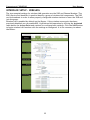
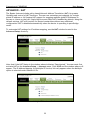
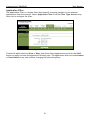
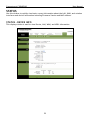
The Application Filter is a simple filter that drops all incoming packets for the selected
applications from the Internet. Select Application Filter from the Filter Type Section dropdown list to configure the filter.
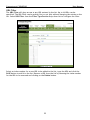
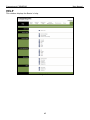
Application Filter window
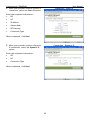
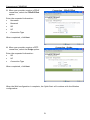
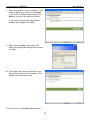
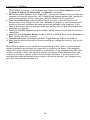
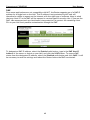
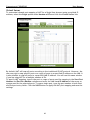
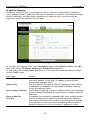
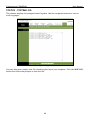
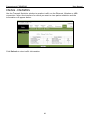
Choose the applications to Allow or Deny from those listed applications and click the SAVE
button to apply and save the application filtering rule. The application filter can be Activated
or Deactivated at any time without changing the selected options.
51