1
Appendix A : Toolbar and Menu Reference
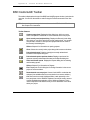
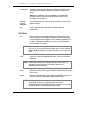
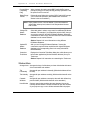
Show folder tags. Shows the tags of each folder in the tree panel.
Caution: If you insert a new folder with Show Folder Tags turned on, and if
you type the name in the Tree panel rather than the Folder Form, the first
characters you enter (up to the first space character) become the Source
Tag for the new folder. To avoid problems with this, either enter the Folder
Tag first, enter a space as the first character when you insert the new
folder, turn Show Folder Tags off, or enter the name in the Folder Form.
Show folder data in Tree. Shows summary costs and other information
for each folder in the Tree Panel. (Not available when a resource window
is the current window).
Expand Branch. Expands the display in the tree panel to show all items
below the current folder.
Show all folders. Expands the Tree Panel to display all folders.
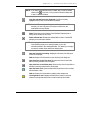
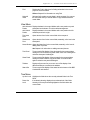
Open Assemblies resource window. Displays the Assemblies resource
window for the current project.
Refer to Chapter 4 for information on the Assemblies resource window.
Open Unit Prices resource window. Displays the Unit Prices resource
window for the current project.
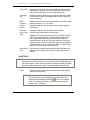
Tile windows horizontally. Arranges all open windows horizontally.
Tile windows vertically. Arranges all open windows vertically.
Stack windows in cascade. Arranges all open windows one atop the
other with their left and top portions visible.
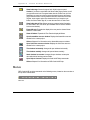
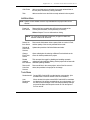
Open Help to Contents. Displays the CostLink/AE Help contents tab.
Refer to Chapter 3 for information on BSD CostLink/AE Help.
Menus
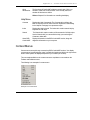
BSD CostLink/AE provides commands on the following menus, located on the menu bar at
the top of the main window:
Menu bar
120
BSD CostLink/AE User Manual