1
Chapter 9 : Producing Reports
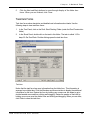
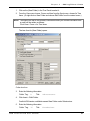
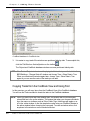
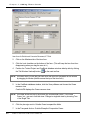
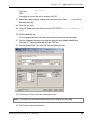
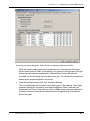
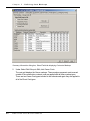
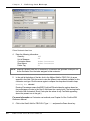
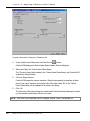
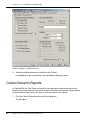
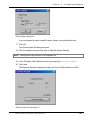
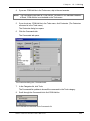
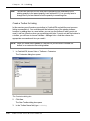
Reports dialog box, Column Setup tab
2.
You can leave the default selections on this tab.
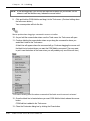
In preparation for the next exercise, leave the Reports dialog box open.
Previewing and Printing Reports
In this exercise you will both previ ew and print reports.
1.
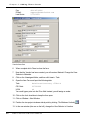
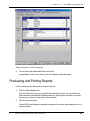
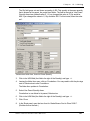
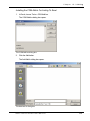
Click the Select Reports tab.
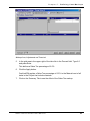
This tab shows the reports you currently have selected to print. You can either print
these reports on the selected Windows printer by clicking the Print button or preview
them on your screen by clicking the Preview button.
2.
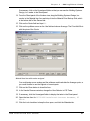
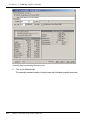
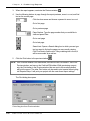
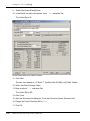
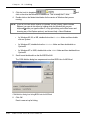
Click the Preview button.
CostLink/CM recalculates the estimate, composes the reports, and displays them in a
preview window.
BSD CostLink/CM User Manual
99