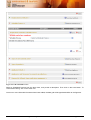
1
1. Overview
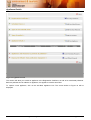
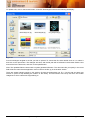
The APPA Certificate Registration System will allow you to capture information on companies and their compliance
with the air pollution prevention act.
Please Note: There are sections in the applications which are not programmed viz. Atmospheric Emission License,
Public Perception / Media Attention, Receiving Environment, Facility Air Quality Management Practices, Pollution
Prevention Plan, Major Hazard Installation and Inspections as these sections are related to licensing and can only
be programmed when the framework for licensing is in place and requirements are clear and business rules are
defined.
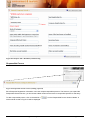
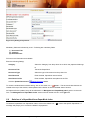
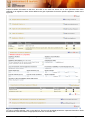
The procedure for capturing a company’s details is as follows.
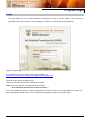
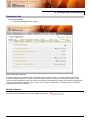
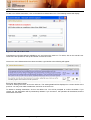
Login
1.
2.
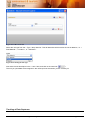
Login
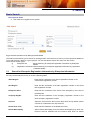
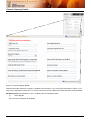
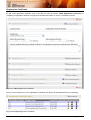
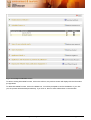
Search for Results
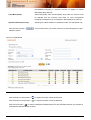
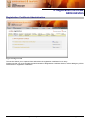
Search for the entry you are about to capture, if found, click on the edit button or you may start a
new capture.
3.
4.
5.
6.
7.
8.
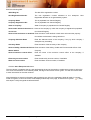
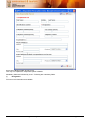
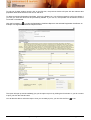
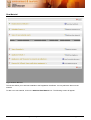
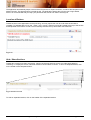
Enterprise Info Tab
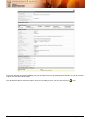
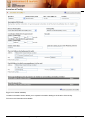
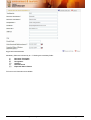
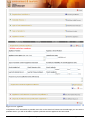
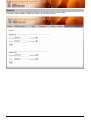
Enter, and save the “General Company Details” section under Enterprise Tab.
View responsible person/s
View Contact Person/s
View Location Details
Select applicable regulations
Hard Copy
9.
10.
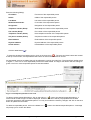
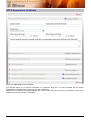
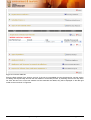
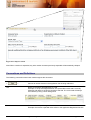
Registration Certificate Tab
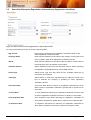
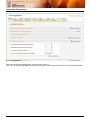
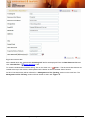
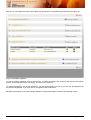
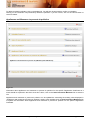
Complete the “Administration of Registration Certificates” section.
Add APCO Observations
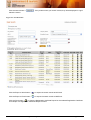
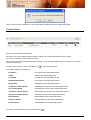
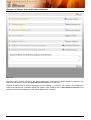
Adding Registration Certificate
11.
Adding Registration Certificate
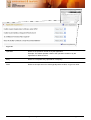
10.1
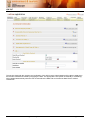
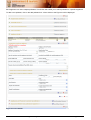
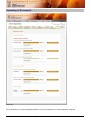
Complete the Registration Certificate section
10.2
Add schedule processes
10.3
Add types of raw materials
10.4
Add products
10.5
Add appliance
10.5.1
Add appliance pollutants
10.6
Add measures to prevent air pollution
10.7
Add disposal of effluent from purification equipment
12.
13.
14.
Upload Supporting Documents
Upload applicable files
Add another application if necessary
Logout
User Manual – APPA Certificate Registration System
Page 3 of 64