1
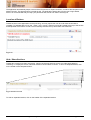
5. Management of Hard Copy Files
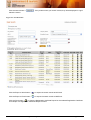
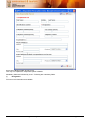
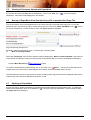
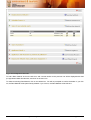
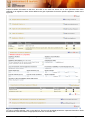
Figure 17: Management of Hard Copy Files
This section allows you to perform the following functionalities:
(i)
(ii)
(iii)
(iv)
(v)
5.1
Creation of a Hard Copy file for an enterprise
Deletion of a Hard Copy file from repository
Addition of Paper Work to existing Hard Copy files
Creation of an additional Hard Copy File for an existing enterprise
Check In and Check Out facility for Hard Copy files from repository
Creation of a Hard Copy for an Enterprise
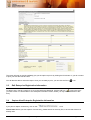
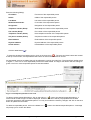
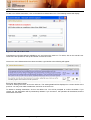
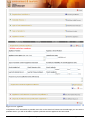
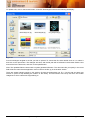
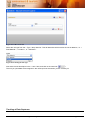
To create a Hard Copy File, click on the “Add New Hard Copy File” link < Add New Hard Copy File > on the
Management of Hard Copy RC Files Section Header. A screen similar to that in Figure 18 will be displayed.
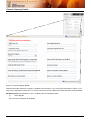
Figure 18: Add New Hard Copy File
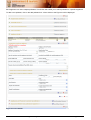
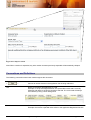
To Create a Hard Copy File, Click the
Create New Hard Copy File link. A new Hard Copy File will be created
and list of Hard Copy Files will be refreshed.
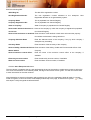
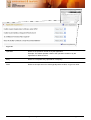
To cancel without saving, Click on the close link <
Close >
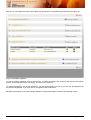
As Hard Copy Files are added, they will be reflected in Management of Hard Copy RC Files Section ref. Figure
17
User Manual – APPA Certificate Registration System
Page 22 of 64