1
Index
1
Introduction ..............................................................................................4
2
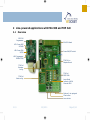
Line-powered applications with EVA 300 and TCM 3x0 ..............................5
2.1 Overview ................................................................................................. 5
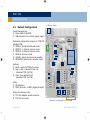
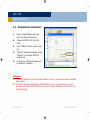
2.2 Default Configuration ................................................................................ 6
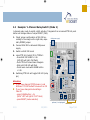
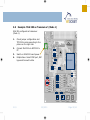
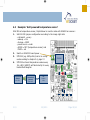
2.3 Example: „1-Channel Relay Switch‟ (Mode 2) ................................................ 7
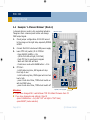
2.4 Example: „1-Channel Dimmer‟ (Mode 4) ...................................................... 8
3
Software Installation .................................................................................9
3.1 Updates ................................................................................................... 9
3.2 Overview ................................................................................................. 9
3.3 DolphinStudio Installation ........................................................................ 10
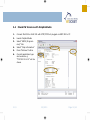
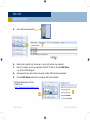
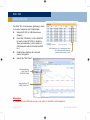
3.4 Check FW Version with DolphinStudio ........................................................ 11
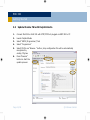
3.5 Update Module FW with DolphinStudio ....................................................... 12
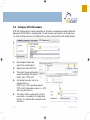
3.6 Configure STM 300 module ...................................................................... 13
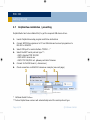
3.7 DolphinView installation / presetting ......................................................... 14
3.8 Example „EVA 300 as Transceiver‟ (Mode 1) ............................................... 15
4
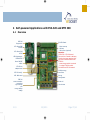
Self-powered Applications with EVA 320 and STM 300 ............................17
4.1 Overview ............................................................................................... 17
4.2 Default Configuration .............................................................................. 18
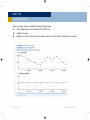
4.3 Example: „Self-powered temperature sensor‟ ............................................. 19
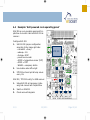
4.4 Example: „Self-powered room operating panel‟ ........................................... 21
V1.5
05/2011
Page 3/24