1
Triggering Events
5.7
322
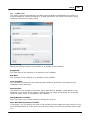
Expression monitor
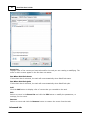
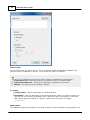
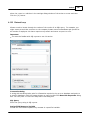
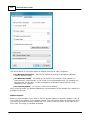
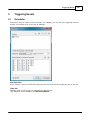
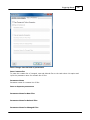
This is a universal trigger which starts up a task in case of changing specified expression. You
need to make up an expression using global variables, both systemic and user’s. Expression
Monitor will watch changing the value of expression after substitution of variable values. In
other words, by means of the Expression Monitor, the changing of one or several variables can
be controlled.
Why is the trigger universal?
You can make up your own tasks which determine a certain value by necessary algorithm
using all arsenal of RoboTask. These tasks can be started up, for example, by means of
trigger Cyclic 315 . You save the received value into a global variable inside the task. Expression
Monitor will start up the task in case of changing the variable.
Thereby, you can “invent” by yourself the parameter by which you need to start up a task.
Expression Monitor checks the value of expression every second. So, the trigger will be
activated in a second at most after changing the variable.
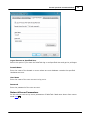
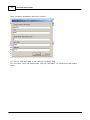
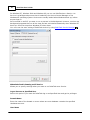
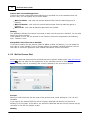
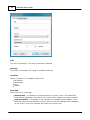
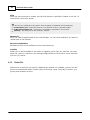
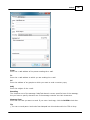
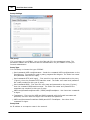
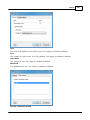
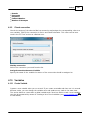
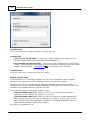
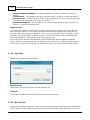
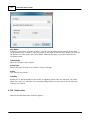
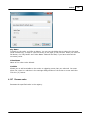
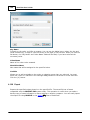
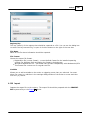
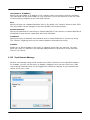
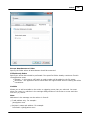
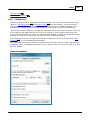
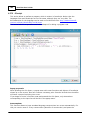
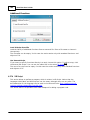
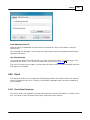
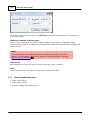
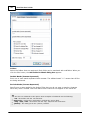
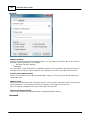
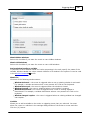
Expression to Monitor
Input any expression using necessary variables. Notice that only global variables can be used.
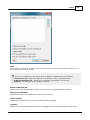
Case Sensitive
Expression Monitor is insensitive to a register By default. If it is important to take into account
the register, switch on this checkbox.
5.8
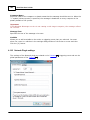
Window Watcher
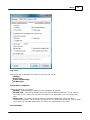
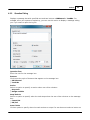
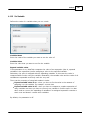
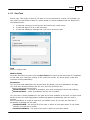
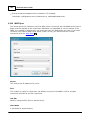
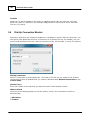
Runs the task when you perform some actions with windows. This task can respond to creation,
destruction, activation and deactivation of a window with specified parameters. Such task can
be useful if you want to introduce automatic corrective actions that respond to an error
message.
© 2004-2015 Neowise.com