1
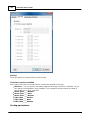
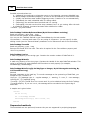
Actions
252
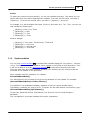
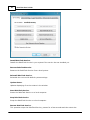
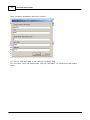
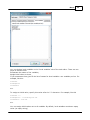
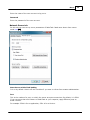
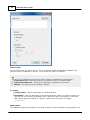
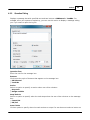
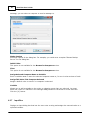
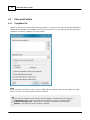
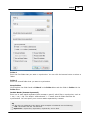
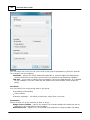
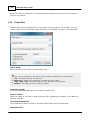
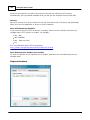
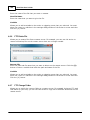
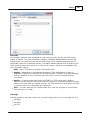
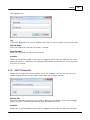
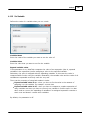
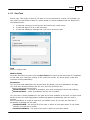
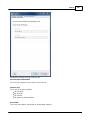
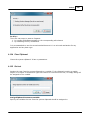
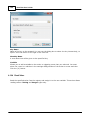
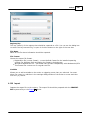
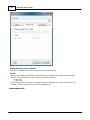
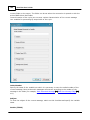
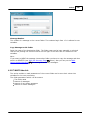
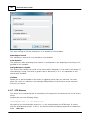
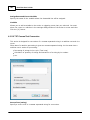
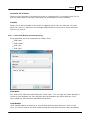
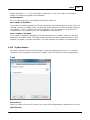
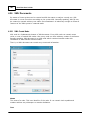
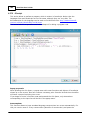
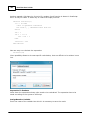
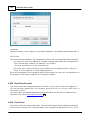
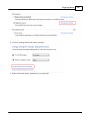
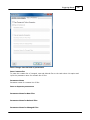
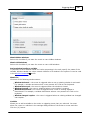
Conversion kind
Select one of two conversion options
Comma-Separated String ==> Multiline Text
Multiline Text ==> Comma-Separated String
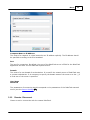
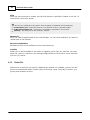
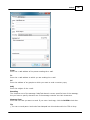
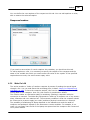
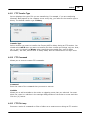
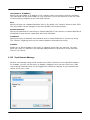
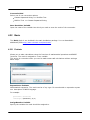
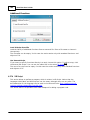
Save Result into Variable
Input the name of the variable into which you need to save the result of the conversion.
4.22
Basic
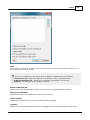
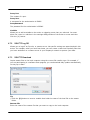
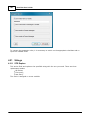
The Basic plugin is not included in the main installation package. You can download it
additionally from http://www.robotask.com/downloads/.
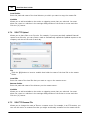
4.22.1 Evaluate
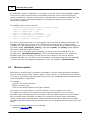
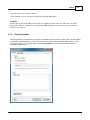
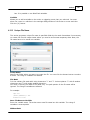
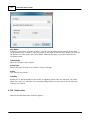
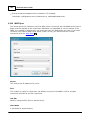
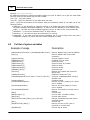
Allows you to make calculations using the functions of mathematical operations and BASIC
functions. The result is assigned to a user variable.
This action is convenient when you need to make some small calculations without writing a
Basic script.
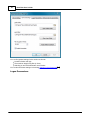
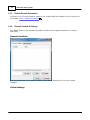
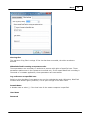
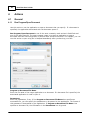
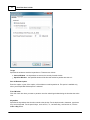
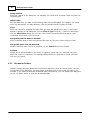
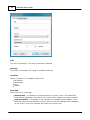
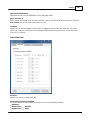
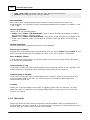
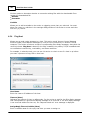
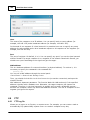
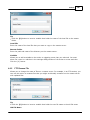
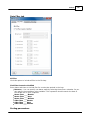
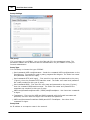
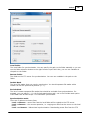
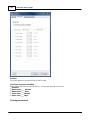
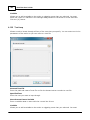
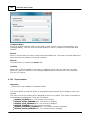
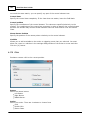
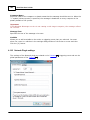
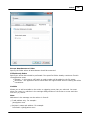
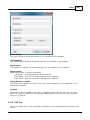
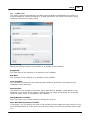
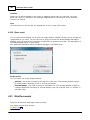
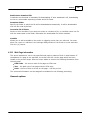
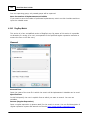
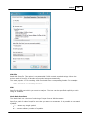
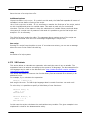
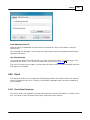
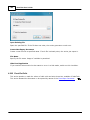
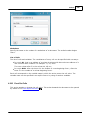
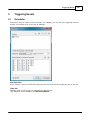
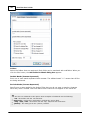
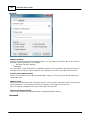
Expression to Evaluate
Mathematical expression. The result can be of any type. For more details on expression syntax
see description of BASIC language.
For example:
{TotalSize}/{FileCount}
Left(Right( "{DateTime}",8),2)
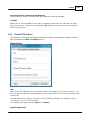
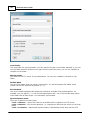
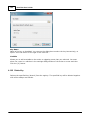
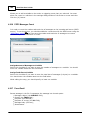
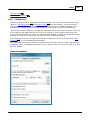
Assign Result to Variable
Specify the variable the result should be assigned to.
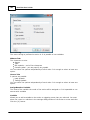
© 2004-2015 Neowise.com