1
AFCEE MONITORING AND REMEDIATION OPTIMIZATION SYSTEM SOFTWARE
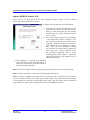
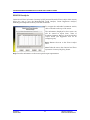
Click here to
proceed
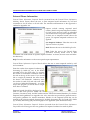
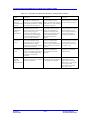
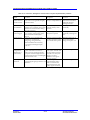
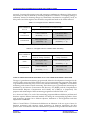
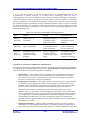
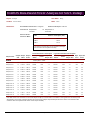
STEP 4: SOURCE/TAIL ZONE SELECTION
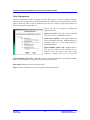
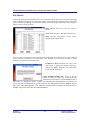
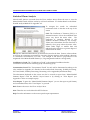
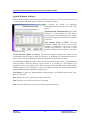
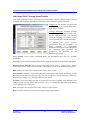
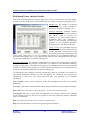
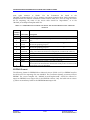
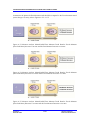
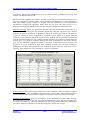
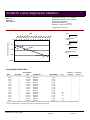
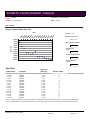
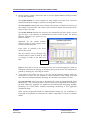
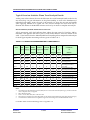
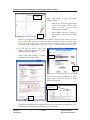
Source/Tail Zone Selection allows the user to define the well type for the wells in the database.
The MAROS software divides the wells for the site into two different zones (e.g. “Source”
zone and “Tail” zone).
The “Source” area includes zones with free-phase NAPLs, residual NAPL, contaminated
vadose zone soils, and/or other source materials. The source area is generally the location
with the highest groundwater concentrations of constituents of concern. The source zone
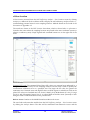
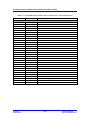
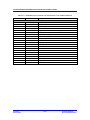
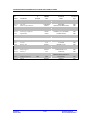
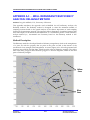
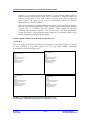
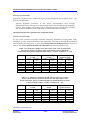
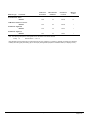
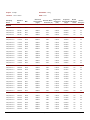
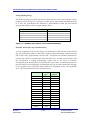
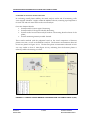
wells for this site include MW-1, MW-2, MW-3, MW-5, MW-6, MW-7, and MW-5 (Figure
A.11.1).
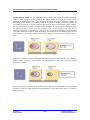
The downgradient groundwater plume (“Tail”) zone is the area downgradient of the
contaminant source zone. The Tail only contains contaminants in the dissolved phase and
the sorbed phase, but contains no sources of contamination. The tail wells for this site
include, MW-4, MW-12, MW-13, MW-14 and MW-15 (Figure A.11.1).
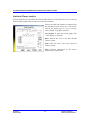
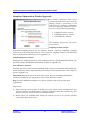
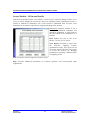
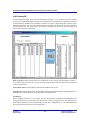
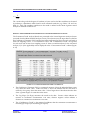
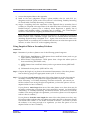
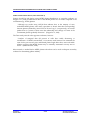
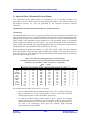
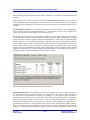
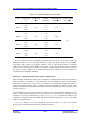
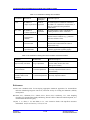
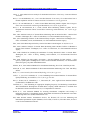
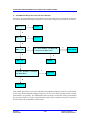
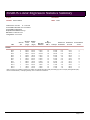
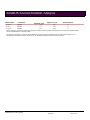
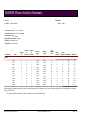
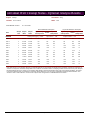
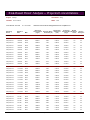
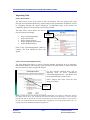
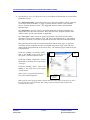
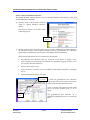
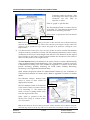
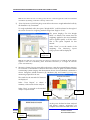
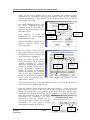
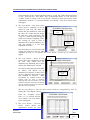
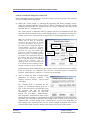
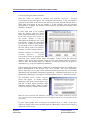
Assign well categories as being in "Source" or
"Tail" zones (Table A.11.2). To do this click
on the appropriate “Source” or “Tail” box
adjacent to each well. Use the scroll bar to
the right of the box to view all wells.
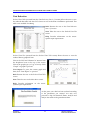
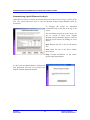
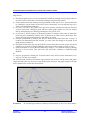
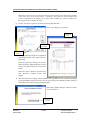
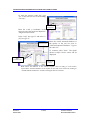
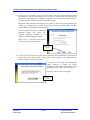
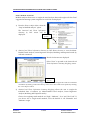
Select “Next” to continue.
Coordinates screen will appear.
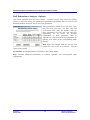
The
Well
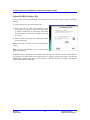
Click here to
proceed
Version 2.1
October 2004
A.11-13
Air Force Center for
Environmental Excellence