1
Printing and monitoring print jobs
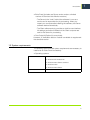
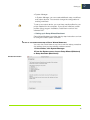
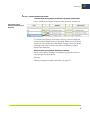
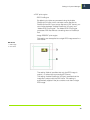
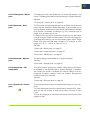
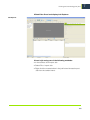
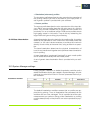
• The folder must be set up as a shared folder for the network:
right-click the folder and choose Properties from the context
menu.
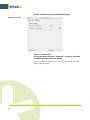
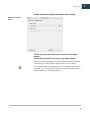
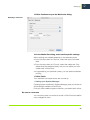
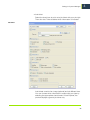
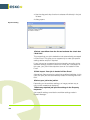
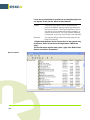
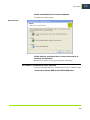
On the Sharing tab, select “Share this folder” and define a share
name. Click Permissions and assign full read/write privileges.
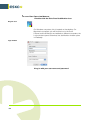
Setting up folder sharing
in Windows
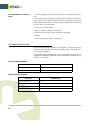
• The subfolder can then be used as the hotfolder.
4 The user must be given read/write privileges and be
logged in to:
• the computer with the Esko Proof Server
• the computer with the hotfolder
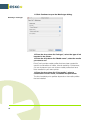
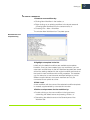
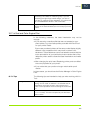
5 On the computer with the Esko Proof Server, browse to
the hotfolder via My Network Places.
6 In System Manager, select a workflow.
7 Set the workflow offline by clicking on the green arrow at
workflow entry.
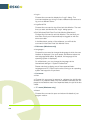
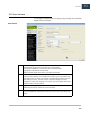
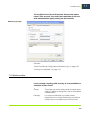
8 On the Input tab, open the General pane and define a
hotfolder.
113
7