1
FastImpose
12.4 Unique ID on proof and plate
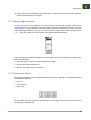
To be absolutely sure that the file and its references that were printed as proof are identical to the final
printout on the plate, FASTIMPOSE offers you the possibility to print an identity tag on the sheets.
Two matching identity tags guarantee total identity.
A unique ID is created, based on the file date, the number of pages on the sheet and the images in
the pages. If anything changes between proofing and printing the final document, the two IDs will no
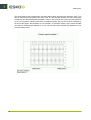
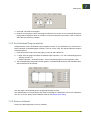
longer match. The ID appear on the screen as follows: XXXX – XXXX. The first four digits represent
the imposition definition. The last four digits represent the pages and their images. When the sheets
are output, the ID is given its definite form.
Follow this procedure to apply an ID to a sheet.
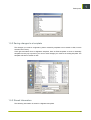
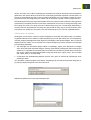
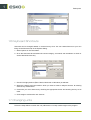
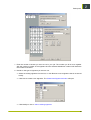
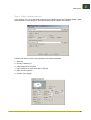
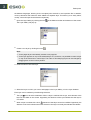
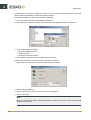
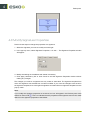
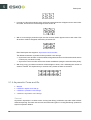
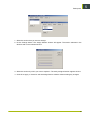
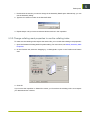
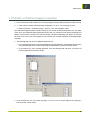
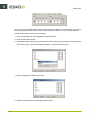
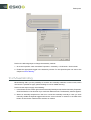
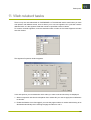
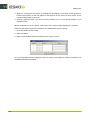
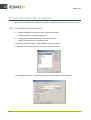
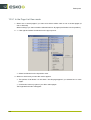
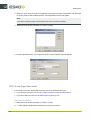
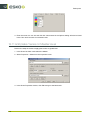
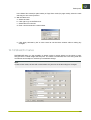
1. In Sheet View , right click the sheet and select List Marks > On this… from the pop-up menu.
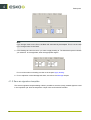
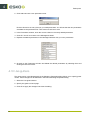
The Plate Mark window appears.
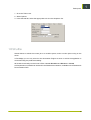
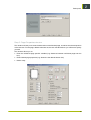
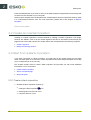
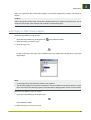
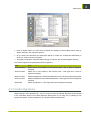
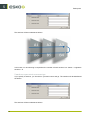
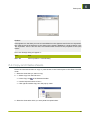
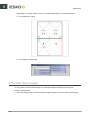
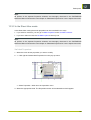
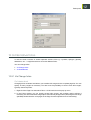
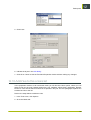
2. Select Add. The Marks window appears.
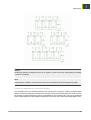
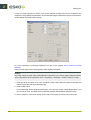
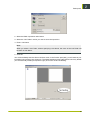
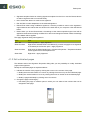
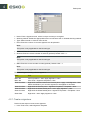
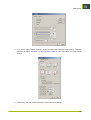
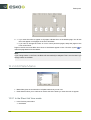
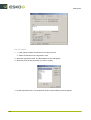
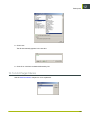
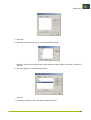
3. Select Text from the Marks window.
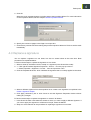
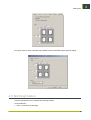
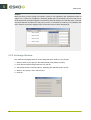
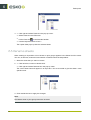
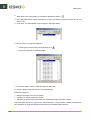
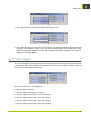
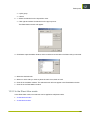
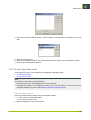
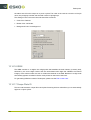
Enable the appropriate radio button: Front, Back or Both to specify on which side of the plate
you want the mark to appear.
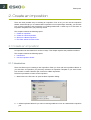
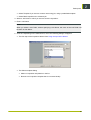
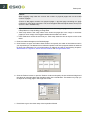
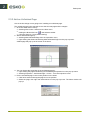
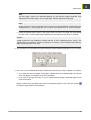
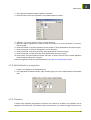
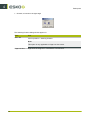
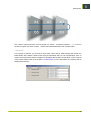
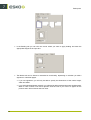
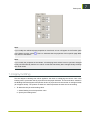
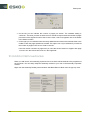
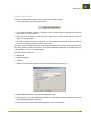
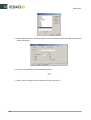
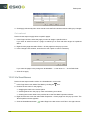
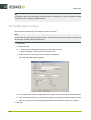
4. Click OK and the Plate Text mark will appear in the Plate Marks window.
135
12