1
Chapter 7 Scope
Starting up with the scope
Starting up with the scope
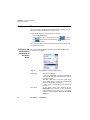
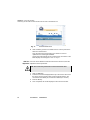
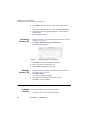
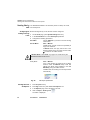
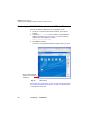
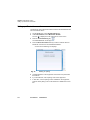
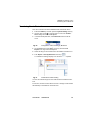
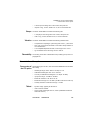
Once the FiberScope icon is validated:
1
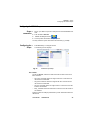
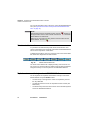
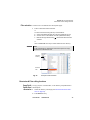
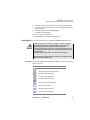
Press RESULTS hard key
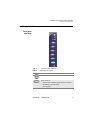
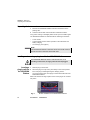
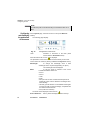
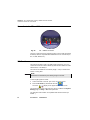
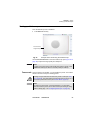
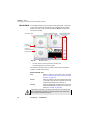
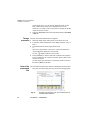
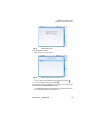
Focus level for
image sharpness
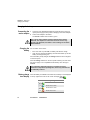
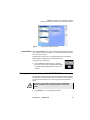
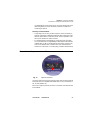
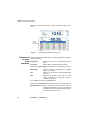
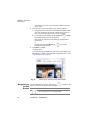
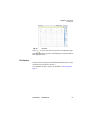
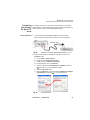
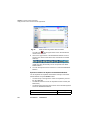
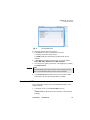
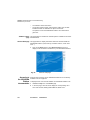
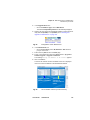
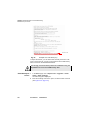
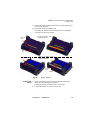
Fig. 26
Example of the result using the P5000i scope
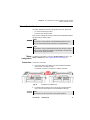
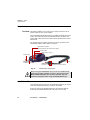
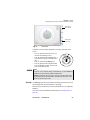
Use the Focus Control button onto the P5000i scope (see Figure 22 on
page 48) to adjust the image quality and sharpness.
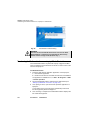
NOTE
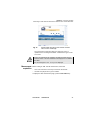
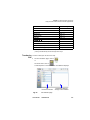
To switch from Scope page to FO results page and vice-versa, press
the RESULTS hard key for about 2 seconds (a beep is emitted).
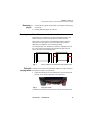
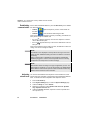
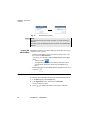
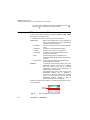
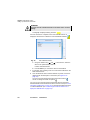
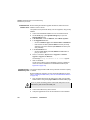
Freeze mode
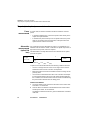
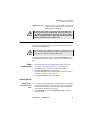
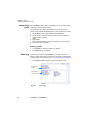
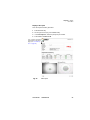
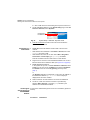
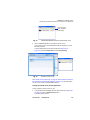
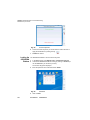
Once the image is acceptable, you may freeze the picture. This feature
allows to store in memory the resulting picture.
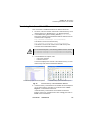
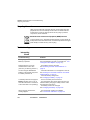
Freezing a scope result does not store the picture in a file (see "File
menu" page 58). The result will be lost if the instrument is shut off, or if
more than 3 pictures are frozen (see "Mosaic Mode" page 56).
NOTE
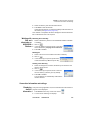
The button set on the lead, or the QuickCapture™ on the P5000
allows to freeze the picture, and to launch a test (according to configuration in Setup page - see “Configuring the Scope” on page 49).
User Manual
760000002/10
53