1
Shearwater NERD — User Manual
Firmware Upload and Dive Log Download
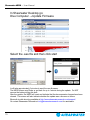
Bluetooth communications are used for both Firmware Uploading and Dive Log Downloading.
NOTE: Upgrading the firmware resets decompression tissue loading. Plan repetitive dives
accordingly.
Download & Install Shearwater Desktop
http://www.shearwaterresearch.com/downloads/
Available for Windows and Mac.
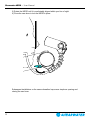
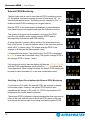
Plug the Bluetooth Dongle into a USB
Port
Most Macs have built-in Bluetooth, so Mac users
do not need to use the supplied dongle.
Download the New Firmware
http://www.shearwaterresearch.com/downloads/
Firmware file end with .aes. Save it on your computer, somewhere you can find it later.
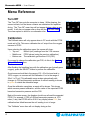
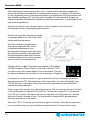
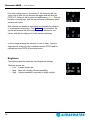
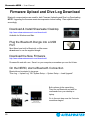
On the NERD, start a Bluetooth Connection
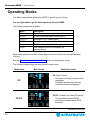
Bluetooth can be started in two ways:
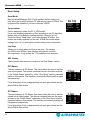
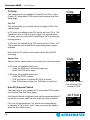
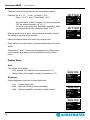
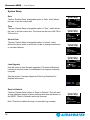
"Dive Log → Upload Log" OR "System Setup → System Setup → Load Upgrade"
Both options do the same thing.
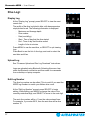
They turn on Bluetooth and wait for
commands from your desktop or
laptop.
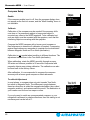
Go to the next step once the 3-minute
countdown begins.
69