1
Sound Card Set-Up
There is some uniformity amongs
manufacturers with regard to the
color-coding of the analog line-level
input jack that is used with the
PMSDR…it is light blue. If there is a
rear-panel L/R microphone input
jack, it will usually be pink in color.
See Fig. 55-2 in Appendix II.
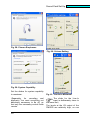
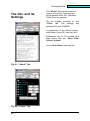
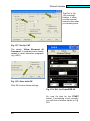
At this point, and particularly with
add-in sound cards, look under
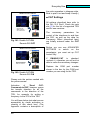
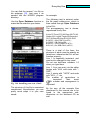
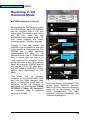
“Properties“ to see if there are
enhancements that can be turned off.
Among these would be “Equalizers,“
“Power Saving,“ as well as all sorts
of other functions that distort sounds
(Reverb, Echo, 3D, etc.)
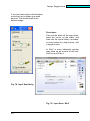
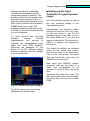
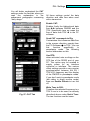
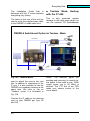
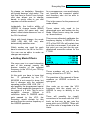
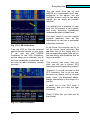
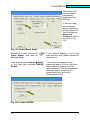
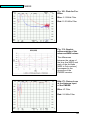
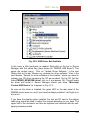
Fig. 68: Repeat
■ 6.) Settings for HDSDR
Boot HDSDR, but do not press
“Start.“
Enter the following choices on the
HDSDR screen:
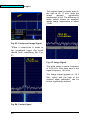
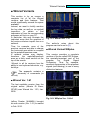
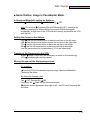
Sound-Card Button:
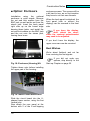
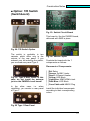
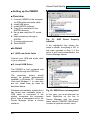
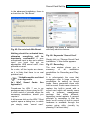
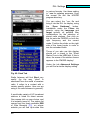
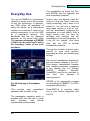
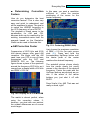
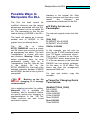
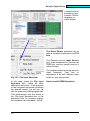
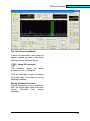
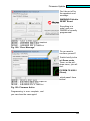
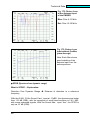
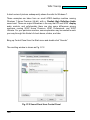
Fig. 69: Enhancements Off!
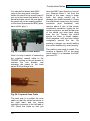
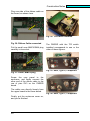
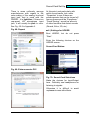
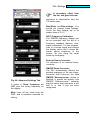
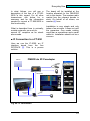
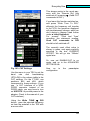
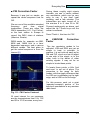
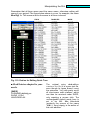
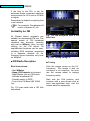
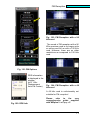
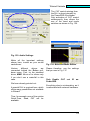
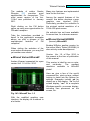
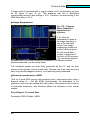
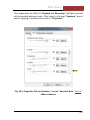
Fig. 70: Sound-Card Selections
Make the choices for Input/Output
here.. Definitely use headphones for
listening to signals.
Otherwise it is difficult to avoid
unpleasant cross-talk effects.
33