1
Long Term Model USER MANUAL, February 2001
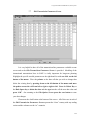
listed on the right hand scroll bar to choose from. The Edit Stations Screen and Edit
Transmission Lines Screen show the data for specific generation stations and
transmission lines respectively. The Edit Transmission Parameters Screem displays the
transmission parameters for all the lines in a matrix format. The Create Model Screen
allows the creation of a new model and the Run Model Selection Screen is used to
actually run a model. The Edit Run Parameters Screen is useful for changing the most
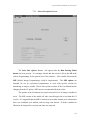
substantial parameters. The Select Run Options Screen will set the type of run, whether
a linear programming or some degree of mixed integer run. For the general user the LP
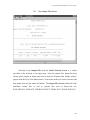
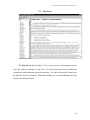
option will be used in the majority of instances. The View Output Maps and View
Output Files Screens show all the output results of the optimization.
Let us now look at each screen in turn.
146