1
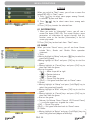
MENU OPERATIONS
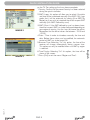
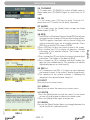
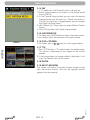
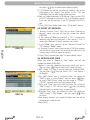
mark will show up a dialogue on the screen and ask for
the password. If the setting of “Channel Lock ”is “No”, the
Lock function will invalid.
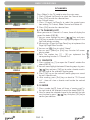
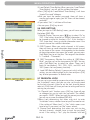
4. New Password is used for revising password; you can
input the new password in this item by using number keys
directly. After you filled in 4 digital numbers, the highlight
will auto skip to Confirm Password and ask you to input
the new password again. If the password is correct, the
screen will show up a message of “Change password
successfully”. After finish saving and draw back to “System
Setup” menu, the revising is complete.
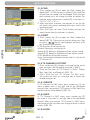
5.Press [Exit] key to draw back from the “Parental Lock”
menu.
rev 1.1
English
PAG. 25