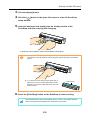
1
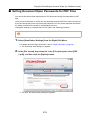
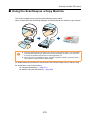
Using the ScanSnap in Various Ways (for Mac OS users)
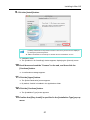
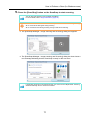
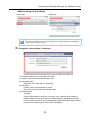
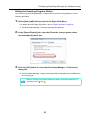
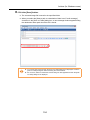
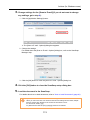
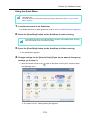
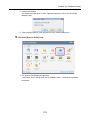
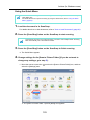
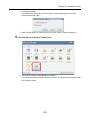
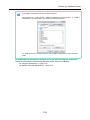
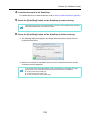
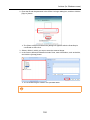
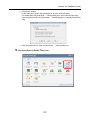
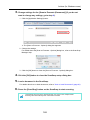
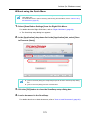
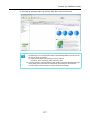
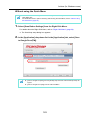
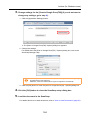
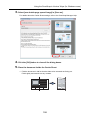
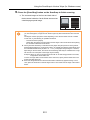
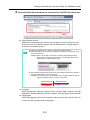
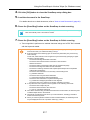
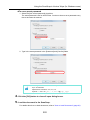
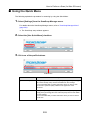
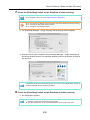
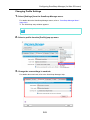
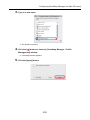
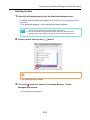
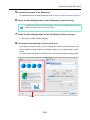
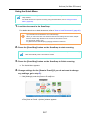
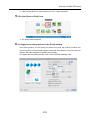
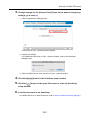
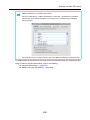
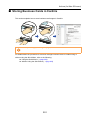
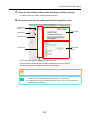
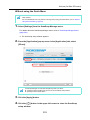
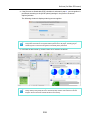
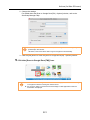
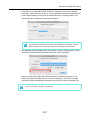
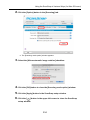
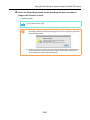
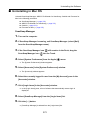
2. Click the [Option] button in the [Scanning] tab.
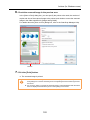
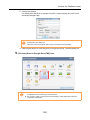
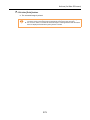
The [Scanning mode option] window appears.
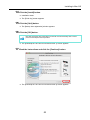
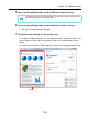
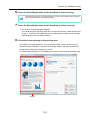
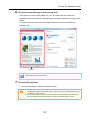
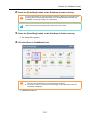
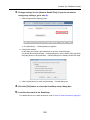
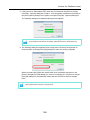
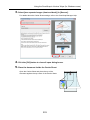
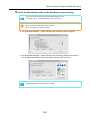
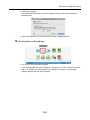
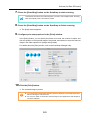
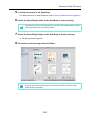
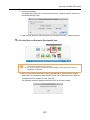
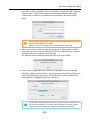
3. Select the [Correct skewed character strings automatically] checkbox.
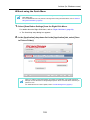
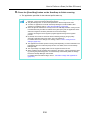
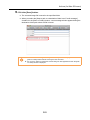
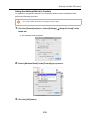
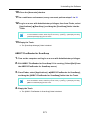
4. Click the [OK] button to close the [Scanning mode option] window.
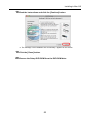
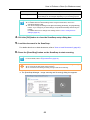
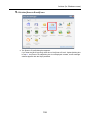
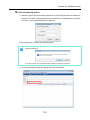
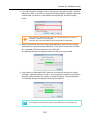
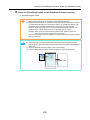
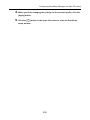
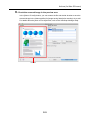
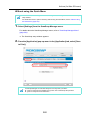
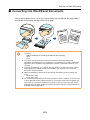
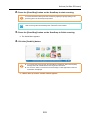
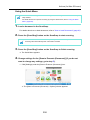
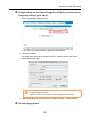
5. Click the [Apply] button in the ScanSnap setup window.
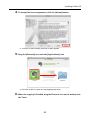
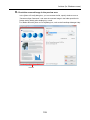
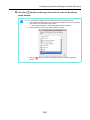
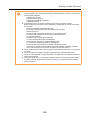
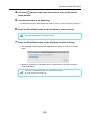
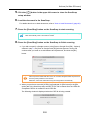
6. Click the [
] button in the upper left corner to close the ScanSnap
setup window.
331