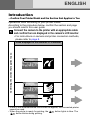
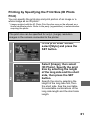
1
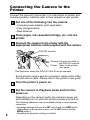
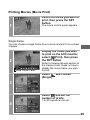
Printing Movies (Movie Print)
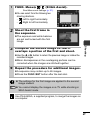
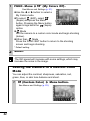
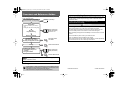
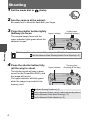
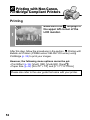
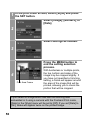
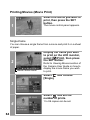
Select the movie you want to
print, then press the SET
button.
1
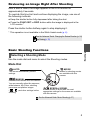
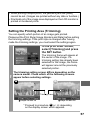
The movie control panel appears.
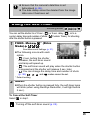
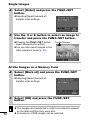
Single-frame
You can choose a single frame from a movie and print it on a sheet
of paper.
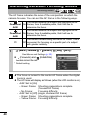
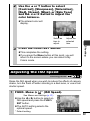
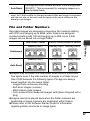
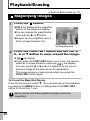
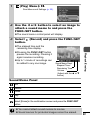
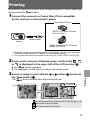
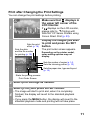
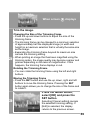
Display the frame you wish
to print on the LCD monitor,
select
(Print), then press
the SET button.
2
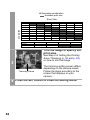
Movie Control Panel
Refer to Viewing Movies section of
the Camera User Guide on how to
display the movie frame you wish
to print.
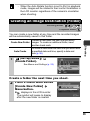
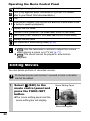
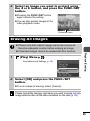
Select
[Single].
and choose
3
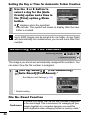
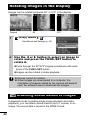
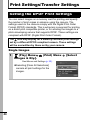
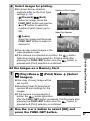
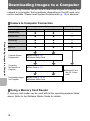
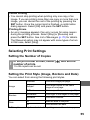
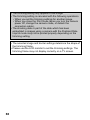
Select
and set the
number of prints.
4
1 to 99 copies can be set.
25