1
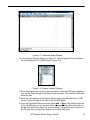
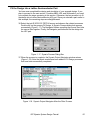
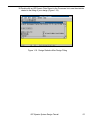
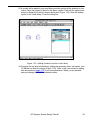
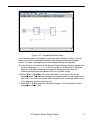
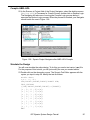
Figure 1-16. A Completed Waveform
Create a Symbol
A useful feature of the Synario tool is the ability to quickly create a symbol for a
schematic. By doing this you create a reusable macro that can be placed on a higher
level schematic sheet.
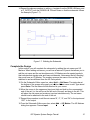
a. Open the schematic file by double-clicking on the schematic source,
demo.sch.
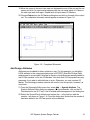
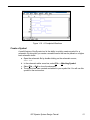
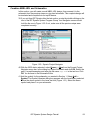
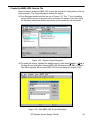
b. In the schematic editor menu bar, select File ⇒ Matching Symbol.
c. Select File ⇒ Exit to close the schematic.
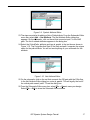
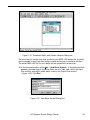
d. The symbol has been created and added to your symbol list. You will use this
symbol in the next section.
ISP Synario System Design Tutorial
21