1
1. Getting Started
1.0 About Visitor Management System
Visitor Management System is a window-based application to help public and private
institutions maintain control and more effectively manage their visitor activity. A wide
range of features and options makes this a powerful, but easy-to-use tool for visitor
management system.
This Visitor Management System user manual will guide you through the use of Visitor
Management System, from check-in and out visitor, to view transaction record, and to
advance functions such force out visitor, blacklist visitor and etc. Please refer back to this
manual if you are unsure of the Visitor Management System functions during the use of
the software.
1.1 Software Activation/Deactivation
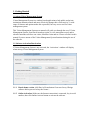
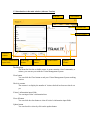
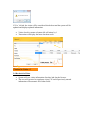
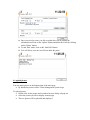
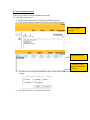
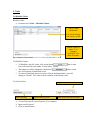
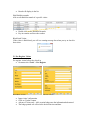
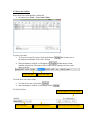
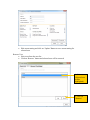
If Visitor Management System is not activated, the “Activation “ window will display
when start up Visitor Management System.
1.1.1
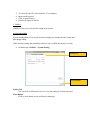
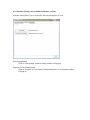
Run in demo version, click Run As Demo button if user need to try iDesign
software before proceed to buy the license \
1.1.2
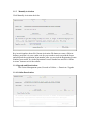
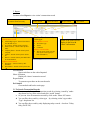
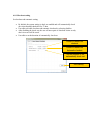
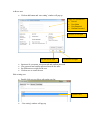
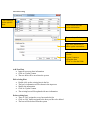
Online Activation: Make sure the Internet connection is connected, key in serial
number, then click Online Activate button to activate the software.