1
L-Gate User’s Manual
69
LOYTEC
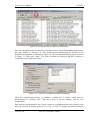
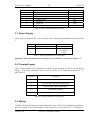
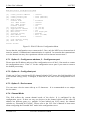
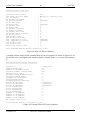
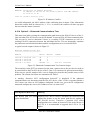
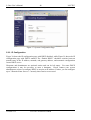
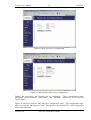
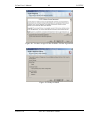
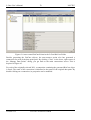
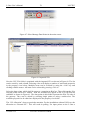
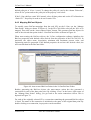
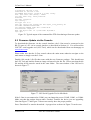
Figure 61: Used NVs in the L-Gate/EIA709 Folder
6.3.4 Mapping BACnet Objects
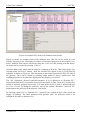
To actually create BACnet mappings from the used NVs on the L-Gate, use the “Manage
Data Points” dialog as shown in Figure 61. In the EIA-709 folder select all the NVs to be
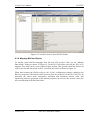
mapped. Then click on the “Auto-connect Points” button. This generates BACnet objects for
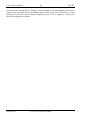
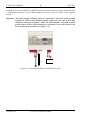
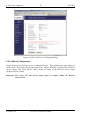
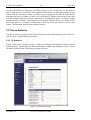
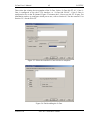
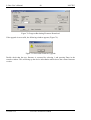
each of the selected data points in the L-Gate/BACnet folder as shown in Figure 62.
When auto-creating the BACnet objects, the L-Gate configuration software initializes the
BACnet properties with default values derived from the properties of the EIA-709 NVs. In
particular, the object name, description, minimum and maximum present value, and
engineering units are generated. If the default properties do not have the desired values, the
user can edit them in the BACnet folder.
Version 1.0T
LOYTEC electronics GmbH