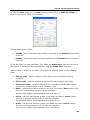
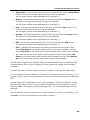
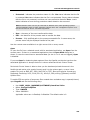
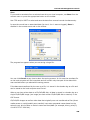
1
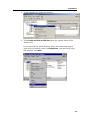
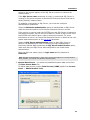
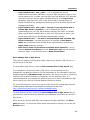
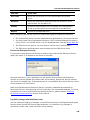
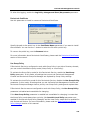
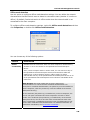
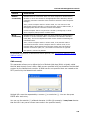
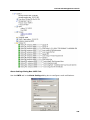
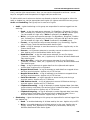
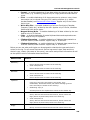
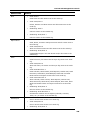
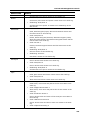
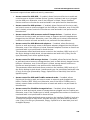
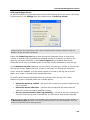
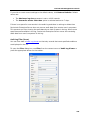
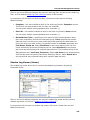
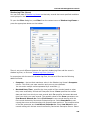
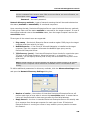
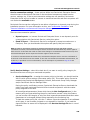
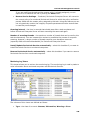
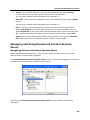
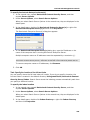
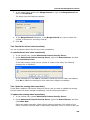
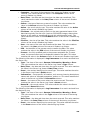
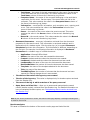
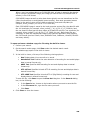
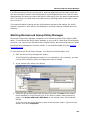
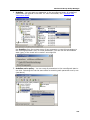
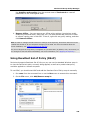
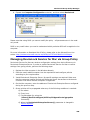
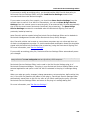
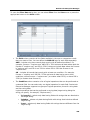
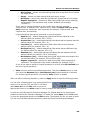
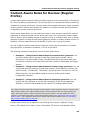
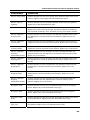
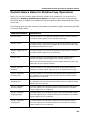
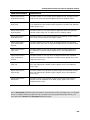
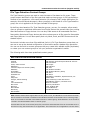
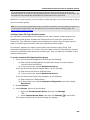
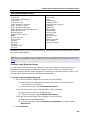
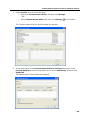
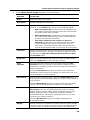
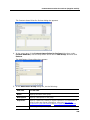
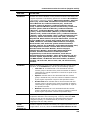
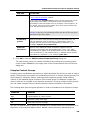
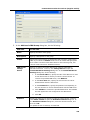
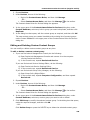
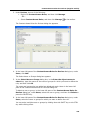
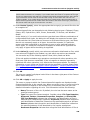
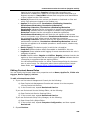
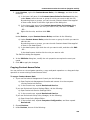
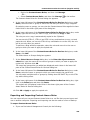
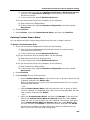
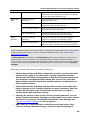
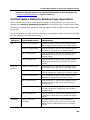
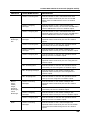
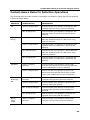
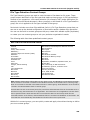
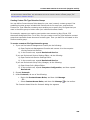
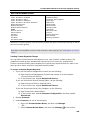
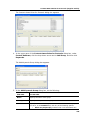
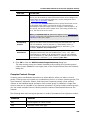
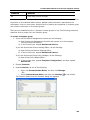
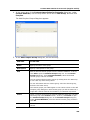
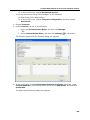
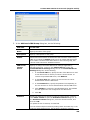
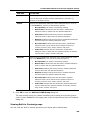
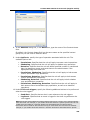
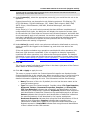
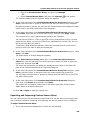
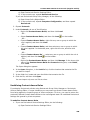
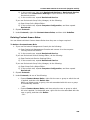
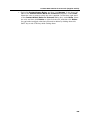
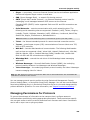
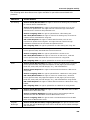
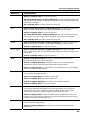
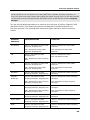
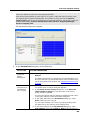
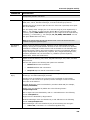
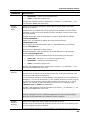
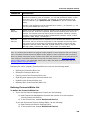
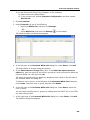
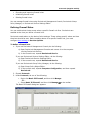
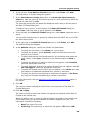
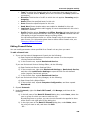
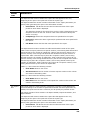
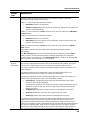
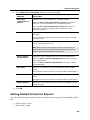
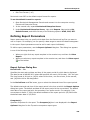
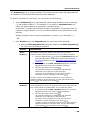
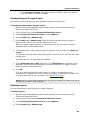
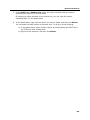
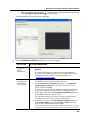
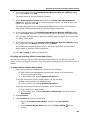
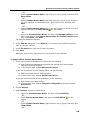
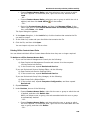
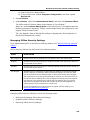
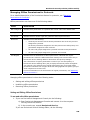
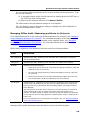
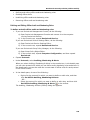
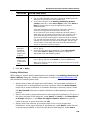
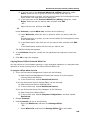
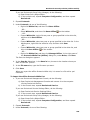
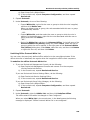
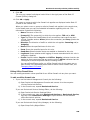
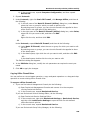
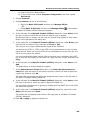
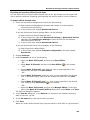
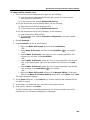
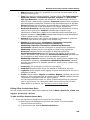
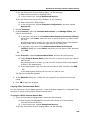
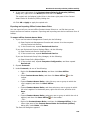
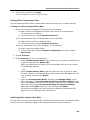
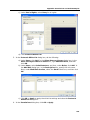
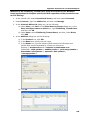
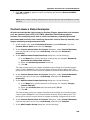
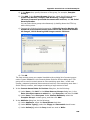
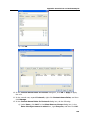
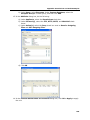
Content-Aware Rules for Devices (Regular Profile) BUILT-IN PATTERN GROUPS Poland National Identity Card Number Polish ID Number RAMQ ROK Registration Number Russian: Address Russian: Auto Insurance Number Russian: Bank Account Number Russian: BIC Russian: Car Numbers Russian: Classification of Economic Activities Uniform Resource Locator (URL) US Date US Phone Number US Social Security Number US Zip Code US/UK Home Address VIN With built-in content groups, you can quickly create and apply rules without having to define your own content groups. Note: You can view regular expression patterns that are included in the built-in Pattern content groups but you cannot edit or delete them. For information on how to view the built-in content groups, see “Viewing Built-in Content Groups.” Creating Custom Pattern Groups You can define Content-Aware Rules based on your own (custom) content groups if the predefined content groups included with DeviceLock do not meet your requirements. Custom content groups enable you to specify any pattern that you want to use to identify sensitive information within documents. To create a custom Pattern group 1. If you use DeviceLock Management Console, do the following: a) Open DeviceLock Management Console and connect it to the computer running DeviceLock Service. b) In the console tree, expand DeviceLock Service. If you use DeviceLock Service Settings Editor, do the following: a) Open DeviceLock Service Settings Editor. b) In the console tree, expand DeviceLock Service. If you use DeviceLock Group Policy Manager, do the following: a) Open Group Policy Object Editor. b) In the console tree, expand Computer Configuration, and then expand DeviceLock. 2. Expand Devices. 3. Under Devices, do one of the following: Right-click Content-Aware Rules, and then click Manage. - OR Select Content-Aware Rules, and then click Manage on the toolbar. 329