1
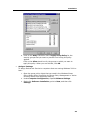
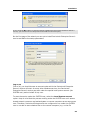
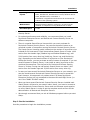
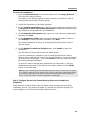
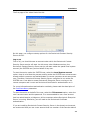
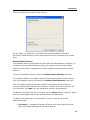
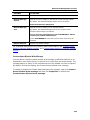
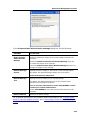
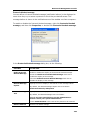
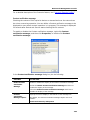
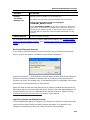
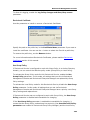
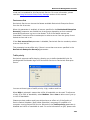
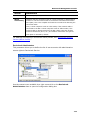
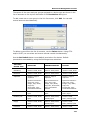
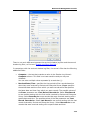
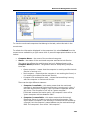
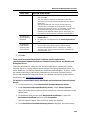
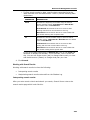
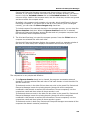
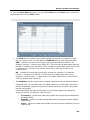
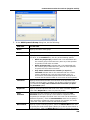
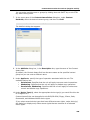
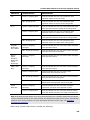
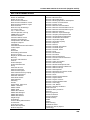
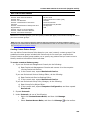
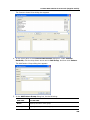
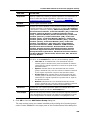
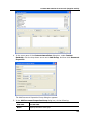
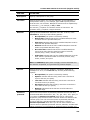
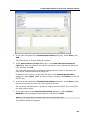
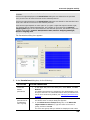
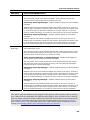
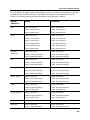
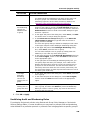
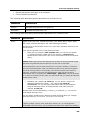
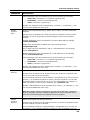
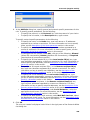
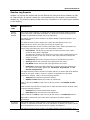
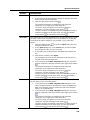
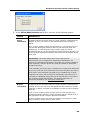
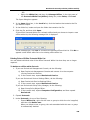
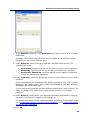
Content-Aware Rules for Protocols (Regular Profile) USE THIS TO DO THIS Expression Specify a pattern by creating a regular expression. For information on how to create Perl regular expressions, refer to the Perl regular expressions quick start tutorial and Perl regular expressions tutorial. Validate Check regular expression syntax. Validation Perform the actual validation on the potential matches returned by the regular expression. The following options are available: No validation (this option is selected by default), ABA Routing Number, Canadian Social Insurance Number, Credit Card Number (All), Credit Card Number (American Express), Credit Card Number (Diners Club), Credit Card Number (Diners Club En Route), Credit Card Number (Discover), Credit Card Number (JCB), Credit Card Number (Laser), Credit Card Number (Maestro), Credit Card Number (Master Card), Credit Card Number (Solo), Credit Card Number (Switch), Credit Card Number (Visa), Credit Card Number (Visa Electron), Date, Date (ISO), Email Address, European VAT Number, IBAN, IP Address, LUHN Checksum, Russian Bank Account Number, Russian Health Insurance Number, Russian Taxpayer Identification Number, Russian Main State Registration Number, Russian Classification Of Enterprises And Organizations, UK National Insurance Number, UK Phone Number, UK Post Code, UK Tax Code, URL, US Social Security Number. Condition: Specify conditions for firing rules associated with this content group. To do so, in the Condition list, click any of the following options: Less than or = indicates that a rule associated with this content group is activated every time the number of matches returned by the regular expression is less than or equal to the specified number. Equal to indicates that a rule associated with this content group is activated every time the number of matches returned by the regular expression is equal to the specified number. Greater than or = indicates that a rule associated with this content group is activated every time the number of matches returned by the regular expression is greater than or equal to the specified number. Between indicates that a rule associated with this content group is activated every time the number of matches returned by the regular expression is within the specified range. Advanced Quickly test your regular expression pattern on sample data. Click Advanced to display or hide the Test sample box. Test sample Enter a test string and view the result. DeviceLock supports real-time color highlighting of test results. All matches are highlighted in green, while strings that do not match the pattern are highlighted in red. 6. Click OK to close the Add Pattern Group dialog box. The new content group you created is added to the existing list of content groups under Content Database in the upper pane of the Content-Aware Rules dialog box. 309