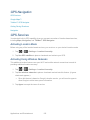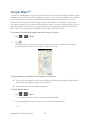
1
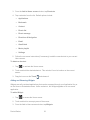
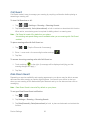
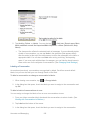
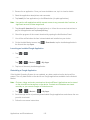
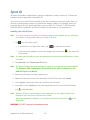
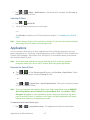
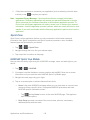
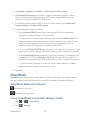
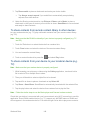
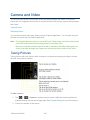
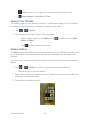
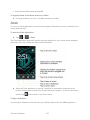
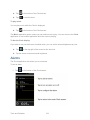
Navigation Another Google Maps navigation application is available on your device. It uses your current location (provided by GPS communication to your device) to provide various location-based services. 1. Tap > > Navigation. 2. Read the on-screen disclaimer and tap Accept. 3. Choose from the following on-screen options: Speak Destination to use the voice recognition feature to search for matching locations in your area. Type Destination to manually enter a destination address. Contacts to receive turn-by-turn directions to the address stored for a selected Contacts entry. Starred Places to obtain directions to locations that have been starred within Google maps (maps.google.com) Applications and Entertainment 133