1
GETTING STARTED
Sironta is a program used to work collaboratively, share files and information based on
Peer-to-Peer operation. Although the basic concept of operation is simple to explain, now
specific aspects of its interface and usability will be detailed to understand the program in
its entirety.
Install Sironta
Sironta is a collaboration platform that is already installed in minutes. It is currently
available for Windows, Mac OS X and Linux.
– Windows instructions:
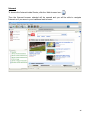
1. Visit http://www.sironta.com/download_win
2. Click on the Download button. By downloading the installer file from this site,
you can be sure that your version of Sironta will be kept updated with the latest
features and security fixes.
3. Save the sironta_windows_10.1.exe file and execute it by double-clicking on its
icon.
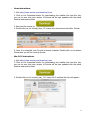
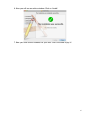
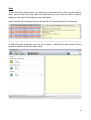
4. If a window like this appears, just click on Run:
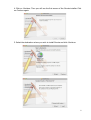
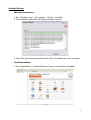
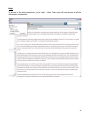
5. The Sironta Setup Wizard will appear. Click Next.
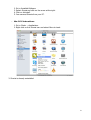
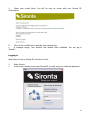
6. Select the components to install and click on Install.
7. Wait until the installation is over and click Finish.
8. Congratulations! Sironta is already installed on your computer.
3