1
LX 7007 pro IGC V 1.11
3.2.3
March.2008
Over Turn point (flying a task)
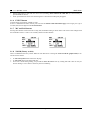
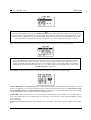
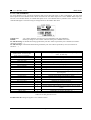
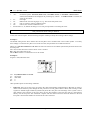
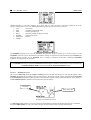
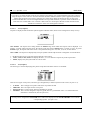
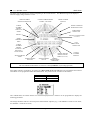
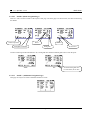
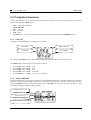
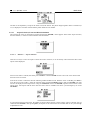
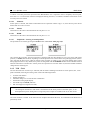
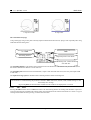
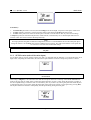
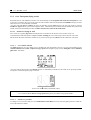
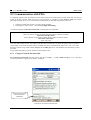
By default, the LX 7007 PRO IGC switches over (automatically) to the navigation data of the next turn point, as soon
as one fix is recorded in the sector of the actual TP. This situation will be accompanied with INSIDE message, an audio
alarm and voice, if Voice Module is installed.
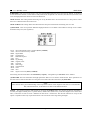
If a turn point can not be reached, the pilot can manually switch (jump over) to the next turn point by pressing
START for approx. 6 sec. (just watch navigation data). Alternatively, he can delete the unreachable turn point in the
TASK / EDIT (recommended procedure). Neither action has any effect on the declaration!
3.2.3.1
Switch over flying an AAT
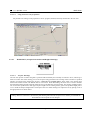
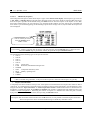
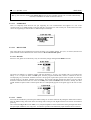
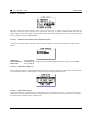
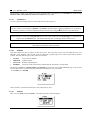
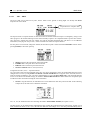
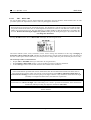
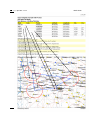
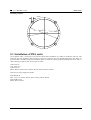
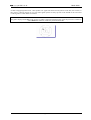
AAT sectors are regularly big sectors and the pilot has to decide how far into the sector he wants to fly. It is
recommended to make task distance adaptation before reaching the sector after using of move function. After first
MOVE action the actual TP will be renamed. Every such a TP will get a # symbol as the first character of its name.
3.2.3.1.1
Use of MOVE function
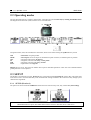
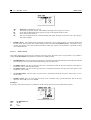
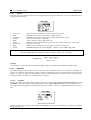
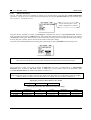
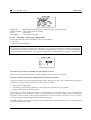
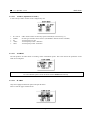
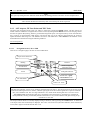
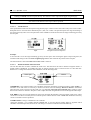
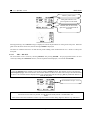
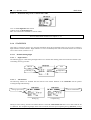
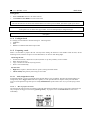
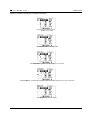
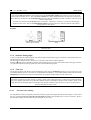
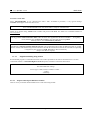
The MOVE function (see also chapter 2.4.5.2) modifies the task significant as the TP is moved., Recalculating of the
remained distance, ETA, ETE, required average speed (third navigation page of task), final glide and the minimum
glide ratio, will follow.
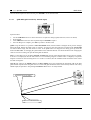
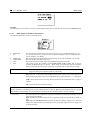
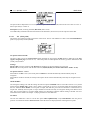
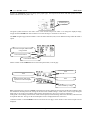
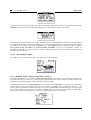
Once the task has been started, the MOVE function is immediately available for the actual TP on pressing ENTER,
irrespective of which navigation page is selected.
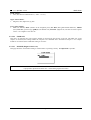
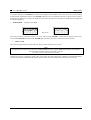
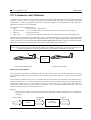
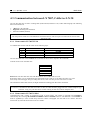
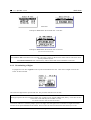
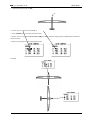
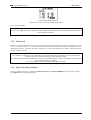
To move TP use (radius) and ZOOM (rotate).
Note!
It is recommended to observe average speed during move procedure to keep speed realistic.
3.2.3.1.2
Switch over procedure
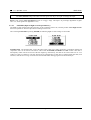
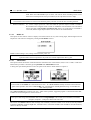
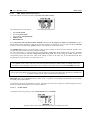
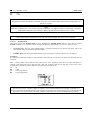
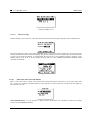
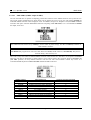
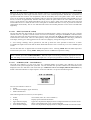
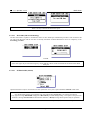
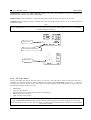
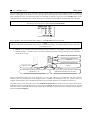
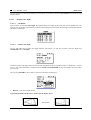
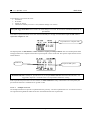
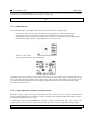
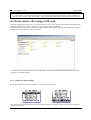
To change over to next TP a short press on START button is absolutely necessary, after the glider position is inside the
sector. MOVE doesn’t matter.
Page 70