1
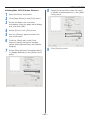
Setting the Spot Color kit
zzSetting the Spot Color kit
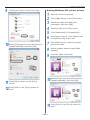
This section explains how to set the Spot Color kit.
First "mount the consumables" as described in "Basic" before setting the Spot Color kit.
1
2
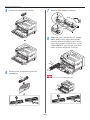
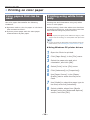
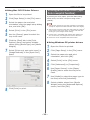
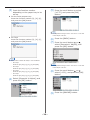
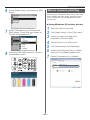
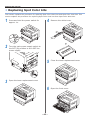
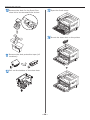
Open the package, and remove the
duct, toner, and image drum.
Remove the duct protective tape (x2
locations).
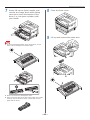
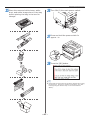
Note
zz Do not remove the toner or image drum from their
packages.
3
4
-3-
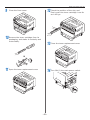
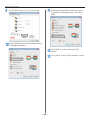
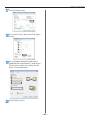
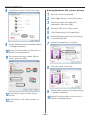
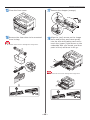
Pull out the bottom of the duct.
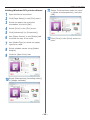
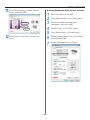
Open the front cover.