1
Contents
Contents
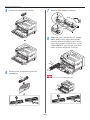
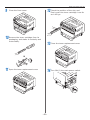
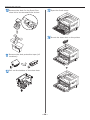
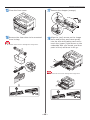
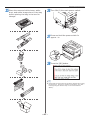
Setting the Spot Color kit...................................................................... 3
Control Panel Explanation..................................................................... 7
Standby Screen....................................................................................................... 7
Menu table of Spot Color toner................................................................................ 8
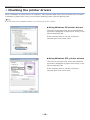
Checking the printer drivers............................................................... 10
Printer driver functions table.............................................................. 12
With white toner mounted..................................................................................... 12
With clear toner mounted...................................................................................... 16
Printing on color paper....................................................................... 20
Color papers that can be used............................................................................... 20
Printing using white toner only............................................................................. 20
Printing white under color (Spot Color overprint function).................................... 23
Adjusting the print position for spot color overprint.............................................. 28
Printing on transparent film................................................................ 32
Transparent films that can be used........................................................................ 32
Setting transparent film in the device.................................................................... 32
Mirror reverse printing.......................................................................................... 33
Printing by using applications to specify Spot Color toner
(PS printer drivers only)..................................................................... 38
Using Illustrator.................................................................................................... 38
Using Photoshop.................................................................................................... 39
Fine-tuning white watermarks............................................................ 41
Replacing Spot Color kits.................................................................... 42
-2-