1
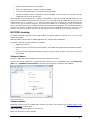
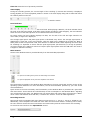
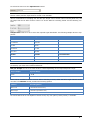
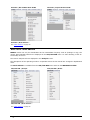
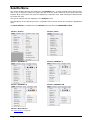
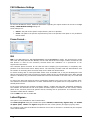
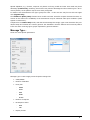
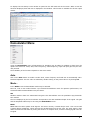
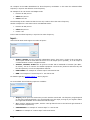
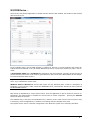
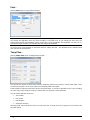
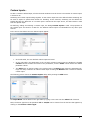
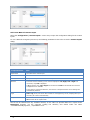
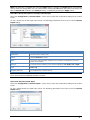
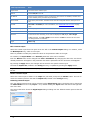
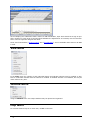
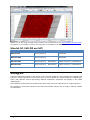
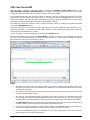
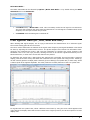
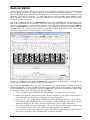
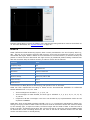
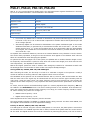
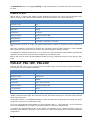
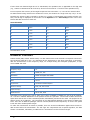
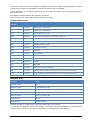
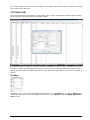
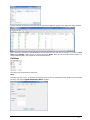
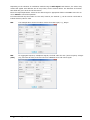
To display the time stamp a new window is opened on the left hand side of the screen. When a text line has been displayed, date and time is displayed in this window. This function is available for all text output modes. Demodulator Menu Using the Demodulator menu all parameters for decoding may be edited. In addition to baud rate, the options and values for mode, shift, center frequency, offset frequency, input and input gain may be manually entered. The availability of the functions depends on the active mode. Auto Click on the Auto button to enable a mode. Shift, center frequency and baud rate is automatically calculated and adjusted. The new value is selected by double-clicking on the preset value or by clicking OK. Mode... In the Mode menu the demodulator mode may be selected. Most HF, VHF or UHF modes feature a pre-selected demodulator mode for optimum performance, but sometimes different demodulators may be chosen. AM Satellite weather charts are transmitted using AM. This demodulator uses the quadrature I/Q demodulation method. The level displayed by the level indicator corresponds to the AM modulation depth of the signal. The gain and the amplitude offset may be set using the Demodulator menu. BPSK BPSK shifts the carrier phase ±180 degrees. For carrier recovery a Costas loop is used - this is a PLL with a special phase comparator, which removes the payload data from the PLL loop. The input signal is then down-converted to base band by mixing the carrier in a complex mixer, and the resulting signal is the data signal. WAVECOM Decoder W-PCI/e, W-CODE, W-CLOUD Manual V8.3.00 First start 41