1
Turning on and Reference Point Approach
2
Note
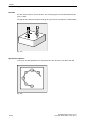
When you turn on the SINUMERIK 802D and the machine, please also observe the Machine
Documentation, since turning on and reference point approach are machine-dependent functions.
This documentation assumes an 802D standard machine control panel (MCP). Should you use a
different MCP, the operation may be other than described herein.
Operating sequence
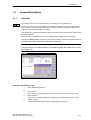
First turn on the power supply of CNC and machine. After the control system has booted, you
are in the Position operating area, Jog mode.
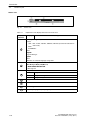
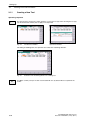
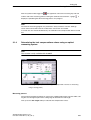
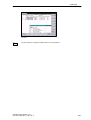
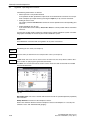
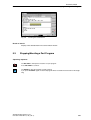
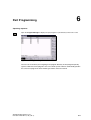
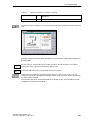
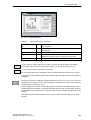
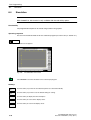
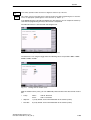
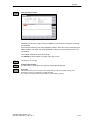
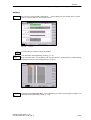
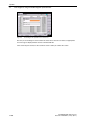
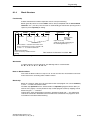
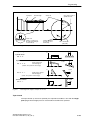
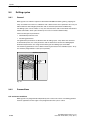
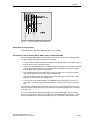
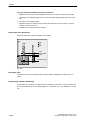
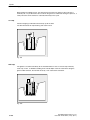
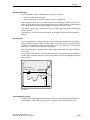
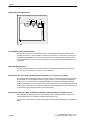
The window “Reference-point approach” is active.
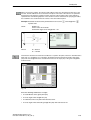
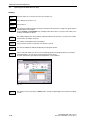
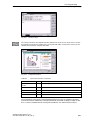
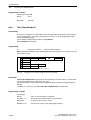
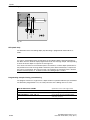
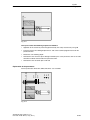
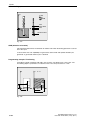
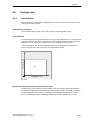
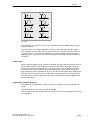
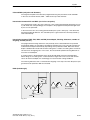
Fig. 2-1
The Jog-Ref start screen
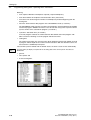
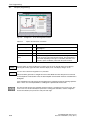
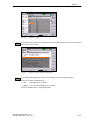
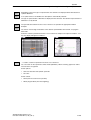
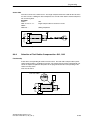
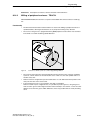
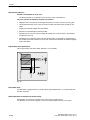
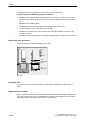
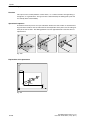
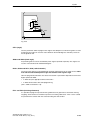
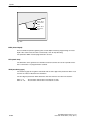
Use the Ref key on the machine control panel to activate “reference-point approach”.
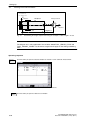
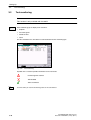
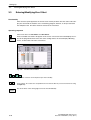
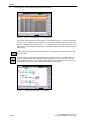
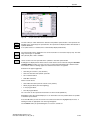
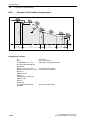
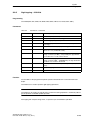
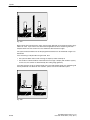
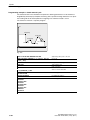
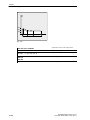
The Reference-Point Approach window (Fig. 2-1) will display whether the axes have a reference point or not.
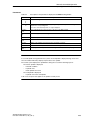
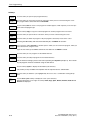
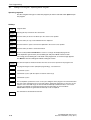
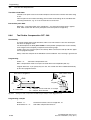
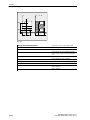
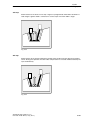
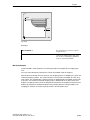
Axis has to be referenced
Axis has reached its reference point
SINUMERIK 802D, 802D base line
6FC5 698-2AA00-0BP3 (11.03) (OP-T)
2-27