1
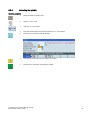
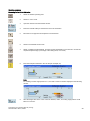
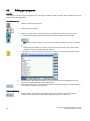
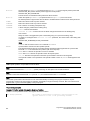
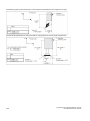
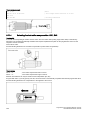
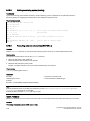
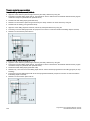
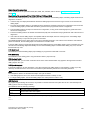
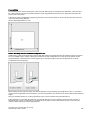
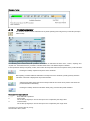
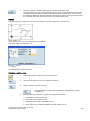
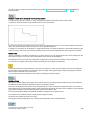
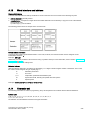
Searching for blocks
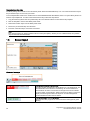
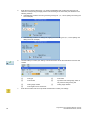
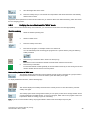
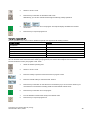
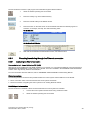
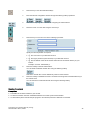
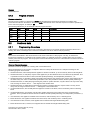
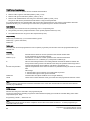
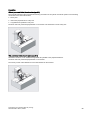
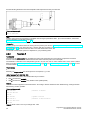
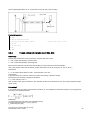
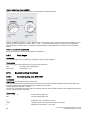
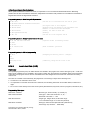
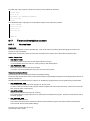
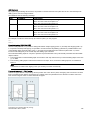
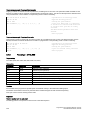
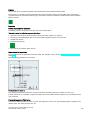
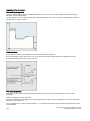
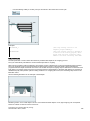
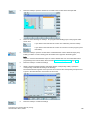
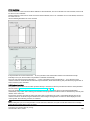
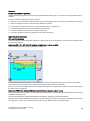
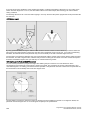
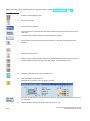
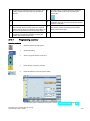
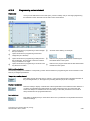
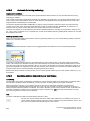
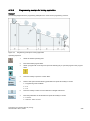
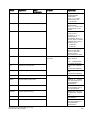
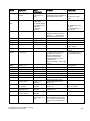
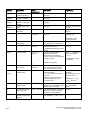
Proceed through the following steps to search for a block:
1.
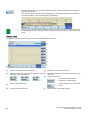
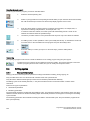
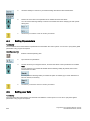
Press this softkey in the opened program editor window.
2.
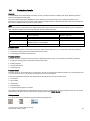
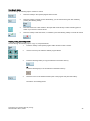
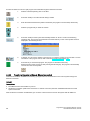
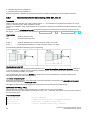
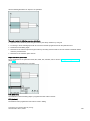
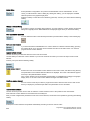
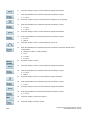
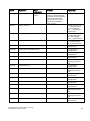
Press this softkey to search via text. Alternatively, you can search with a given line number by
pressing the following softkey:
2.
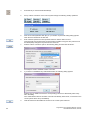
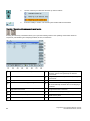
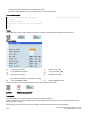
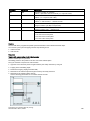
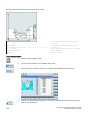
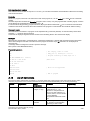
Enter the search text or line number in the input field. Press this key to select a starting point for
search if you choose to search via text.
4.
Press this softkey to start the search, or otherwise, press the following softkey to cancel the search:
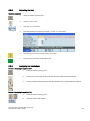
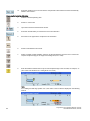
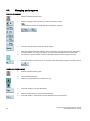
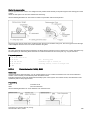
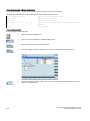
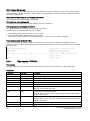
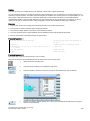
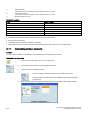
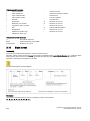
Copying, cutting, and pasting blocks
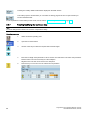
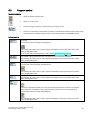
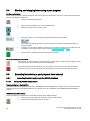
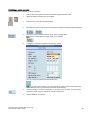
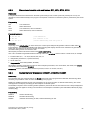
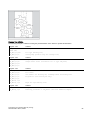
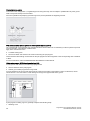
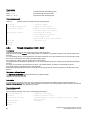
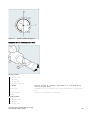
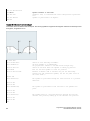
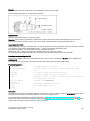
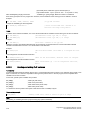
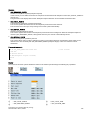
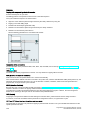
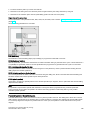
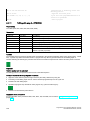
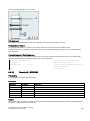
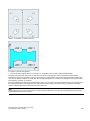
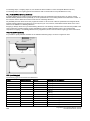
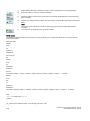
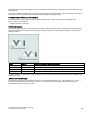
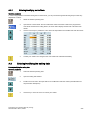
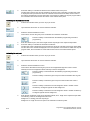
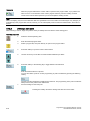
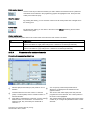
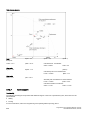
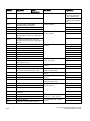
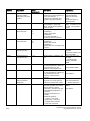
Proceed through the following steps to copy, cut, and paste blocks:
1.
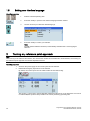
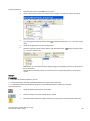
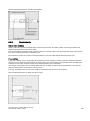
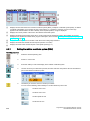
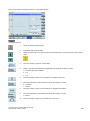
Press this softkey in the opened program editor window to insert a marker.
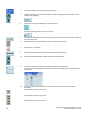
2
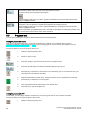
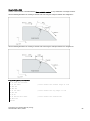
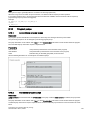
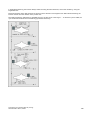
Use the cursor keys to select the desired program blocks.
3.
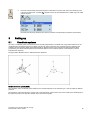
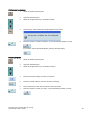
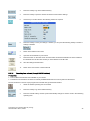
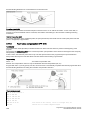
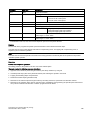
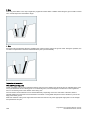
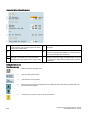
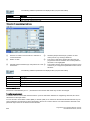
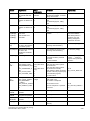
Press the following softkey to copy the selection to the buffer memory:
Or
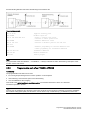
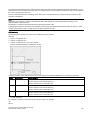
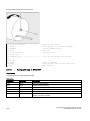
Press the following key to cut the selection to the buffer memory:
4.
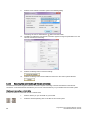
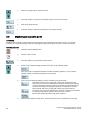
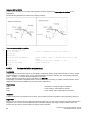
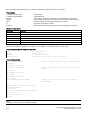
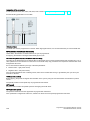
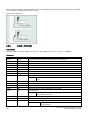
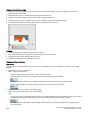
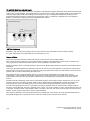
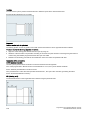
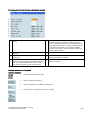
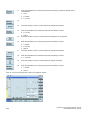
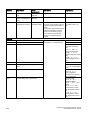
Place the cursor on the desired insertion point in the program and press this softkey.
The data is successfully pasted.
Programming and Operating Manual (Turning)
6FC5398-5DP10-0BA1, 08/2013
31