1
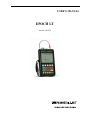
EPOCH LT
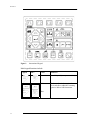
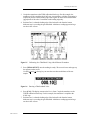
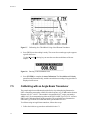
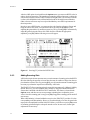
Figure 4
Viewing the Editable Parameters Screen
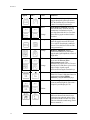
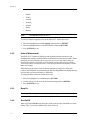
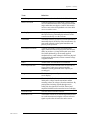
4. Press the [ENTER] key to move downward to different Parameters.
5. Use the left and right slewing keys to select which [F1] - [F5] parameter to edit.
Edit each parameter using the up and down slewing keys.
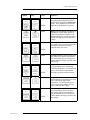
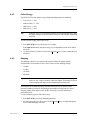
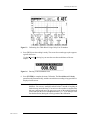
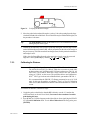
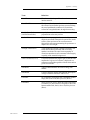
Figure 5
Editing the Gain Parameter
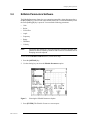
6. Press the [F1] key when you have finished editing the parameters to save the settings
and return to the Options menu.
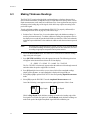
When you select one of the parameters that you edited, the new preset values appear
above the [F] keys.
28