1
F - 12 Omnii (Windows Embedded Hand-Held 6.5) User Guide
System Properties
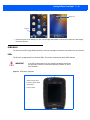
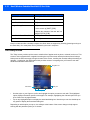
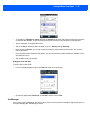
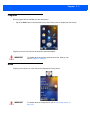
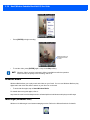
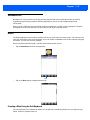
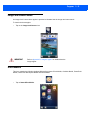
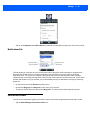
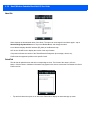
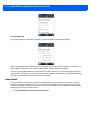
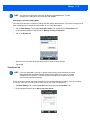
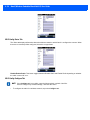
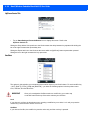
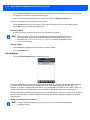
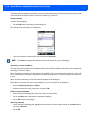
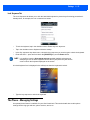
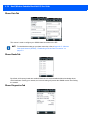
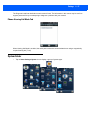
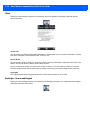
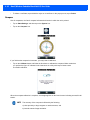
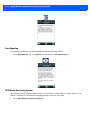
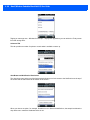
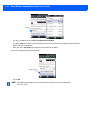
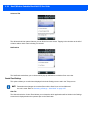
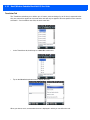
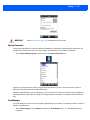
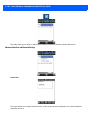
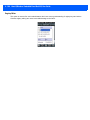
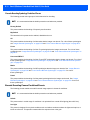
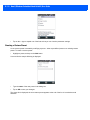
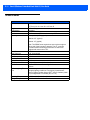
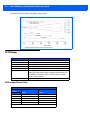
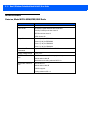
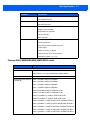
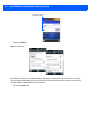
The System Properties window displays the heater software and hardware components.
•
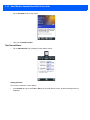
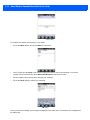
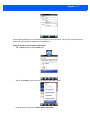
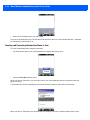
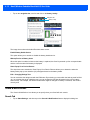
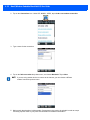
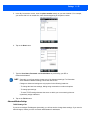
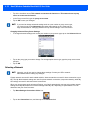
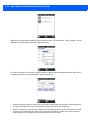
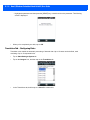
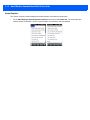
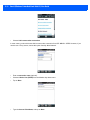
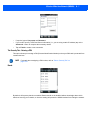
Tap on Start>Settings>System>System Properties icon and scroll to Heater Info. The information also
includes heater identification, version or part numbers, and indicates if they are installed.