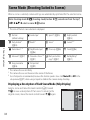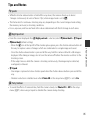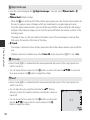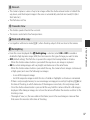
1
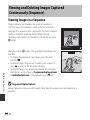
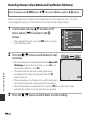
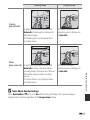
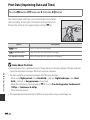
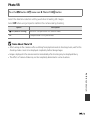
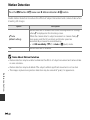
The Image Selection Screen
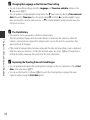
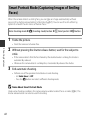
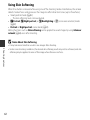
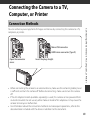
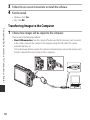
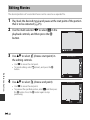
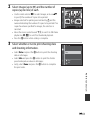
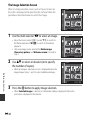
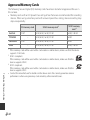
When an image selection screen such as the one shown on
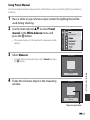
the right is displayed while operating the camera, follow the
procedures described below to select the images.
Protect
Back
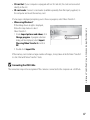
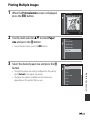
1
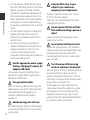
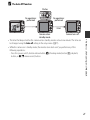
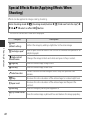
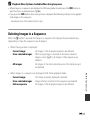
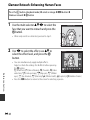
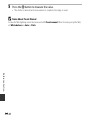
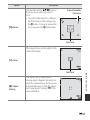
Use the multi selector JK to select an image.
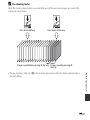
• Move the zoom control (A1) toward g (i) to switch to
full-frame playback or f (h) to switch to thumbnail
playback.
• Only one image can be selected for Rotate image,
Choose key picture, and Welcome screen. Proceed to
step 3.
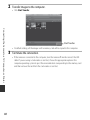
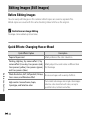
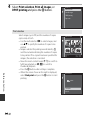
2
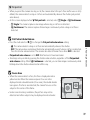
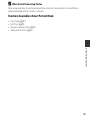
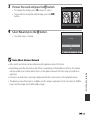
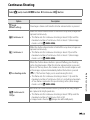
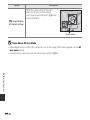
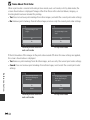
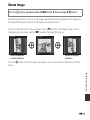
Use HI to select or deselect (or to specify
the number of copies).
Protect
Back
Protect
Reference Section
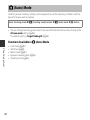
• When an image is selected, an icon is displayed below the
image. Repeat steps 1 and 2 to select additional images.
Back
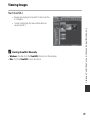
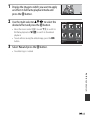
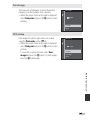
3
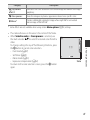
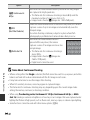
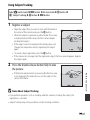
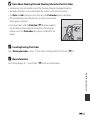
Press the k button to apply image selection.
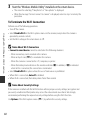
• When Selected images is selected, a confirmation dialog is displayed. Follow the
instructions displayed in the monitor.
E58