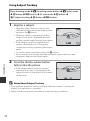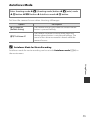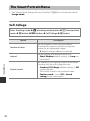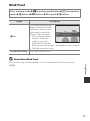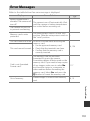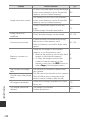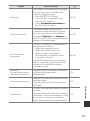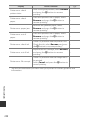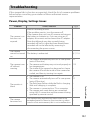
1
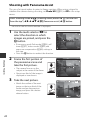
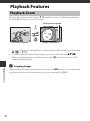
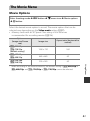
Playback with Panorama Assist
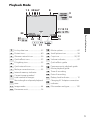
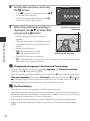
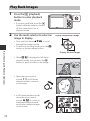
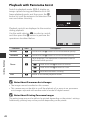
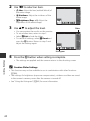
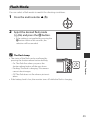
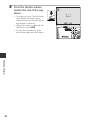
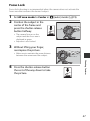
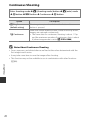
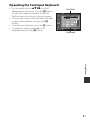
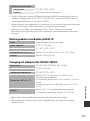
Switch to playback mode (A14), display an
image captured using panorama assist in fullframe playback mode, and then press the k
button to scroll the image in the direction that
was used when shooting.
4/4
0004. JPG
15/11/2015 15:30
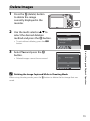
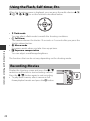
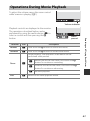
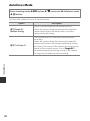
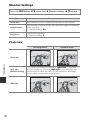
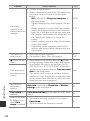
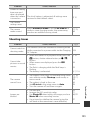
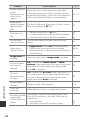
Playback controls are displayed in the monitor
during playback.
Use the multi selector JK to select a control,
and then press the k button to perform the
operations described below.
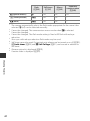
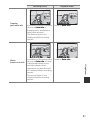
Function
Icon
Description
Rewind
A
Hold down the k button to scroll backward quickly.
Advance
B
Hold down the k button to scroll forward quickly.
Shooting Features
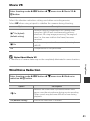
Pause playback. The operations listed below can be
performed while paused.
Pause
End
B
E
G
C
Hold down the k button to rewind.
D
Hold down the k button to scroll.
F
Resume automatic scrolling.
Switch to full-frame playback mode.
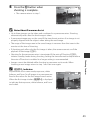
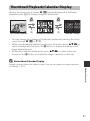
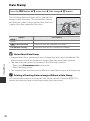
Notes About Panorama Assist Images
• The images cannot be edited on this camera.
• This camera may not be able to scroll the playback of, or zoom in on, panorama
assist images captured with another make or model of digital camera.
B
Notes About Printing Panorama Images
The entire image may not be able to be printed depending on the printer’s settings.
Additionally, printing may not be possible depending on the printer.
26