1
Eye III+ VXB Installation Guide
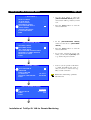
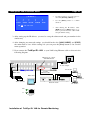
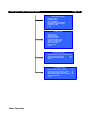
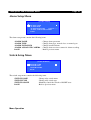
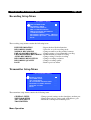
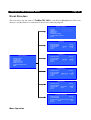
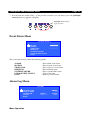
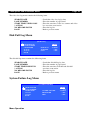
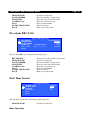
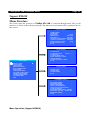
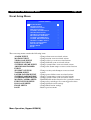
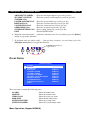
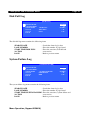
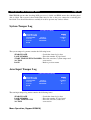
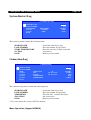
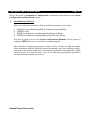
ARM INPUT TAMPER
SECURITY SWITCH TAMPER
POWER FAILURE
SYSTEM RESTART
CLEAR EVENT STATUS
BACK
Page 63
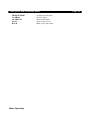
: Show the arm input tamper status
: Show the security switch tamper status
: Show the power status
: Show the system restart
: Clear event status flag
: Back to previous menu
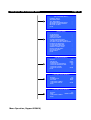
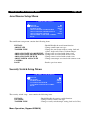
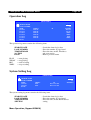
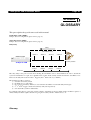
Alarm Log Menu
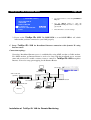
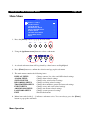
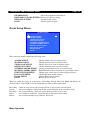
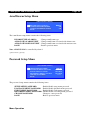
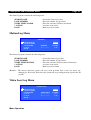
[ALARM]
SEARCH DATE
PAGE NUMBER
START TIME
13:16:53
13:16:53
13:16:53
BACK
ALARM
--34--------------
STATUS
TRG
SSON
ARM
25/10/04
1/1
ACTION
-------------------
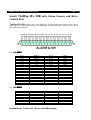
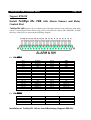
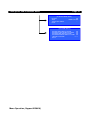
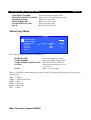
The alarm log menu contains the following items
SEARCH DATE
: Search the alarm log by date
PAGE NUMBER
: Show the number of page found
START TIME/ALARM/STATUS : Show the start time, alarm on,
ACTION
alarm status and alarm associate
event action
BACK
: Back to previous menu
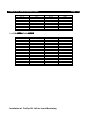
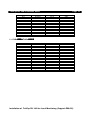
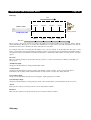
There is a STATUS column which represents the status of the alarm. The full name of each status is
shown below.
TRG
SSON
ARM
EXTA
ENTA
RST
= Trigger
= Security Switch on
= Arm
= Exit arm
= Entry arm
= Reset
Menu Operation (Support BS8418)