1
Table of Contents
SECTION 1
INTRODUCTION
• Introduction
• Features
• Removing the Package
• Front Panel Description
• Rear Panel Description
1
2
3
3
6
SECTION 2
INSTALLATION OF
Eye III+ VXB FOR LOCAL MONITORING
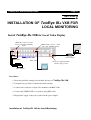
Eye III+ VXB for Local Video Display
• Install
Eye III+ VXB with Telemetry Control
• Install
• Install
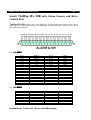
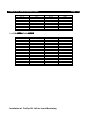
Eye III+ VXB with Alarm Sensors and Relay Control Port
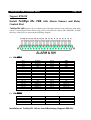
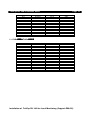
Support BS8418
• Install
• Install
Eye III+ VXB with Alarm Sensors and Relay Control Port
Eye III+ VXB with Tamper Circuit and External Resistors
9
12
13
15
17
SECTION 3
INSTALLATION OF
Eye III+ VXB FOR REMOTE MONITORING
• Install
Eye III+ VXB for Remote Monitoring with Network
A. Setup
Eye III+ VXB for connection in LAN environment
B. Setup
Eye III+ VXB for connection in WAN environment with
static IP
Eye III+ VXB for Broadband Internet connection with
C. Setup
dynamic IP using Internet router
D. Setup
Eye III+ VXB for Broadband Internet connection with
dynamic IP using Broadband dialer
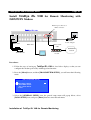
• Install
Eye III+ VXB for Remote Monitoring with ISDN/PSTN Modem
20
20
23
24
26
30
SECTION 4
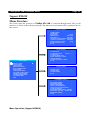
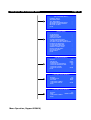
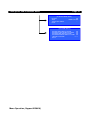
MENU OPERATION
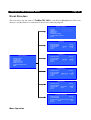
• Menu Structure
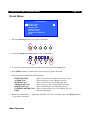
• Main Menu
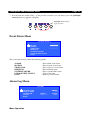
• Display Setup Menu
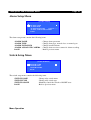
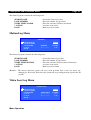
• Alarm Setup Menu
• Switch Setup Menu
32
34
35
36
36