1
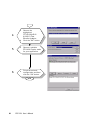
a.
5.
b.
c.
a.
6.
b.
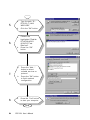
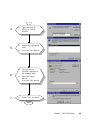
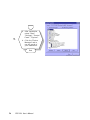
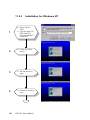
Select the highlighted
item.
Click the "OK" button.
a.
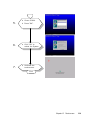
"Silicon Motion
LynxEM" appears in
the adapter label.
b.
Click the "Apply"
button.
a.
Press "Yes" to reboot.
7.
8.
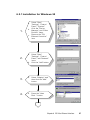
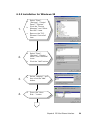
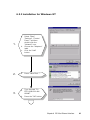
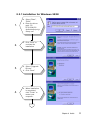
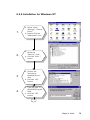
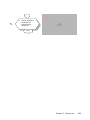
Insert the disc into
the CD-ROM drive.
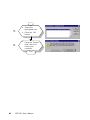
Type the path "D:\
PPC123&153\VGA\
Win98"
Press "OK".
end
Chapter 7 PCI SVGA Setup
71