1
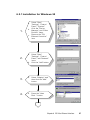
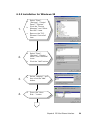
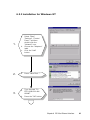
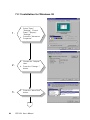
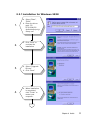
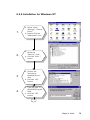
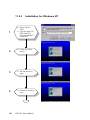
11.2.2 Installation for Windows 98
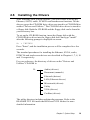
If you want to use the touchscreen driver CD-ROM accompanying
your panel PC, refer to the following flow chart instructions.
110
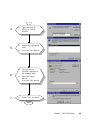
1.
a. Insert the "Drivers
and Utilities" CD.
b. Click the "Start"
button, and then
"Run".
c. Type the path "D:\
PPC123&153\
Elotouch\Win98\
Setup.exe".
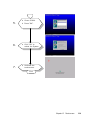
2.
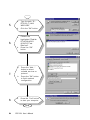
a. Click "Yes".
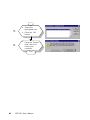
3.
a. Select the "Smart
serial Controller on
COM4" item.
b. Press the "OK"
buttom.
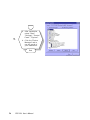
4.
a. Click the "Yes"
buttom to restart
your computer.
PPC-123 User's Manual