1
4 Preparation
page 74/251
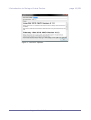
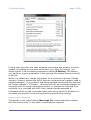
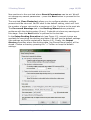
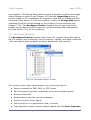
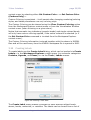
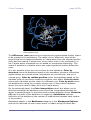
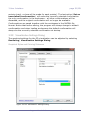
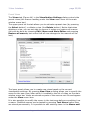
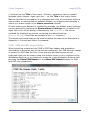
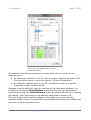
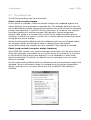
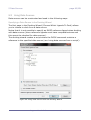
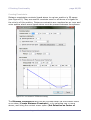
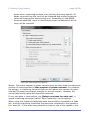
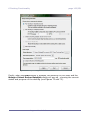
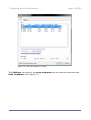
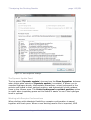
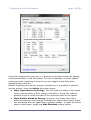
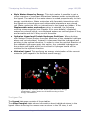
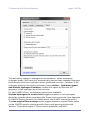
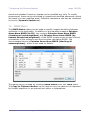
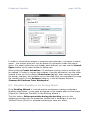
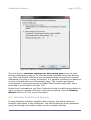
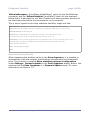
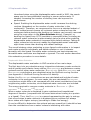
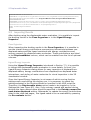
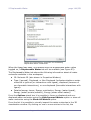
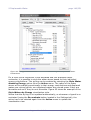
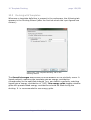
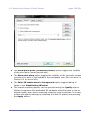
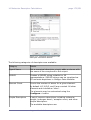
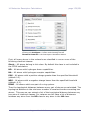
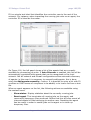
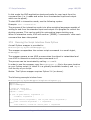
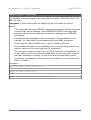
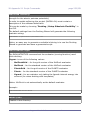
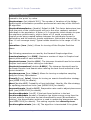
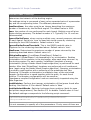
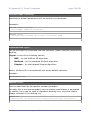
Figure 55: The Protein Preparation Dialog.
The lower panel displays the current
protonation state.
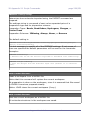
If a residue has alternate protonation states, they can be chosen in two
different ways:
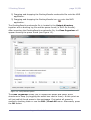
By choosing a residue in the list view, and then changing the state from
the drop-down menu in the third column ('Choose Protonation').
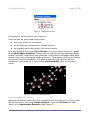
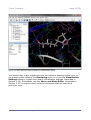
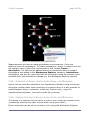
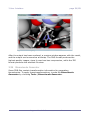
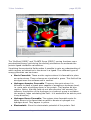
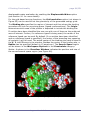
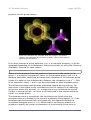
By using the context menu in the 3D visualization view on a residue
marked by a red or yellow sphere.
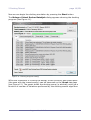
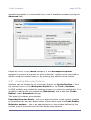
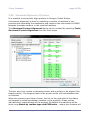
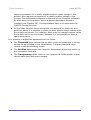
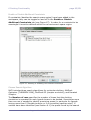
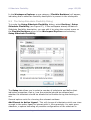
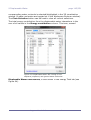
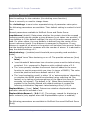
Because it can be difficult to get an overview of the individual residues, it is
possible to invoke the Hide Residues dialog directly from the protonation
preparation dialog. The Hide Residues button provides a shortcut for invoking
this dialog - the functionality is the same as described in Section 3.9.
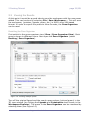
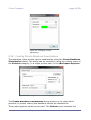
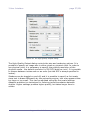
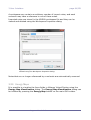
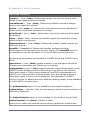
The text window at the bottom displays information about the currently
selected residue. Here it is possible to see the different protonation states, and
any errors may be inspected here.
molegro virtual docker – user manual