1
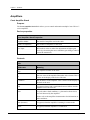
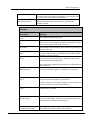
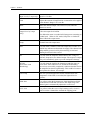
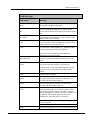
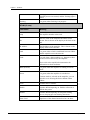
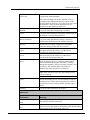
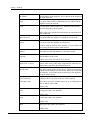
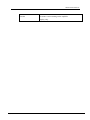
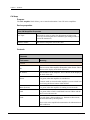
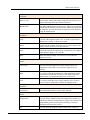
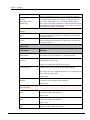
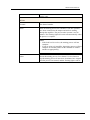
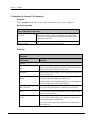
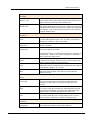
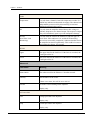
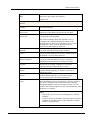
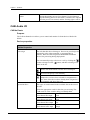
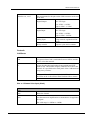
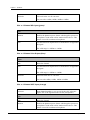
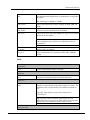
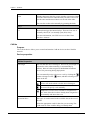
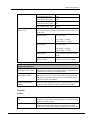
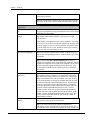
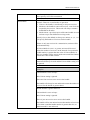
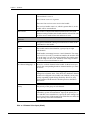
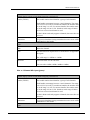
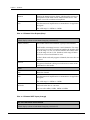
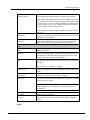
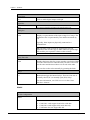
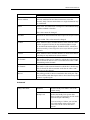
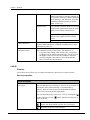
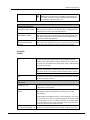
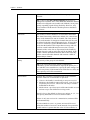
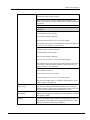
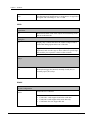
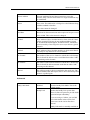
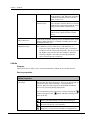
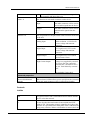
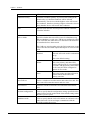
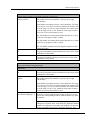
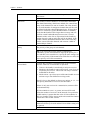
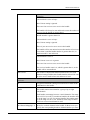
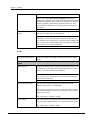
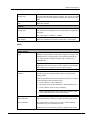
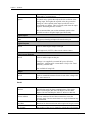
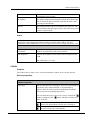
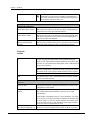
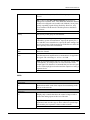
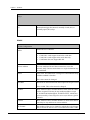
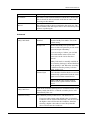
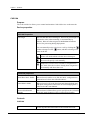
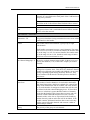
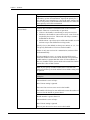
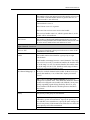
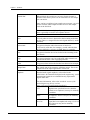
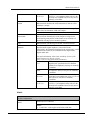
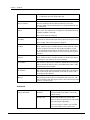
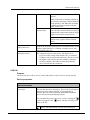
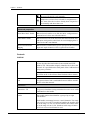
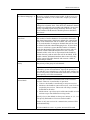
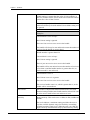
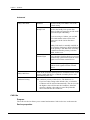
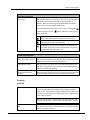
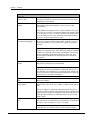
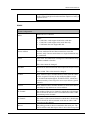
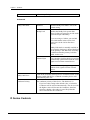
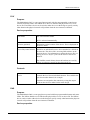
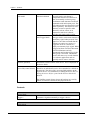
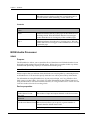
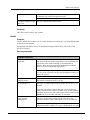
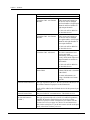
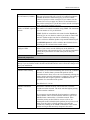
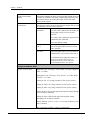
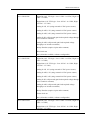
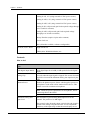
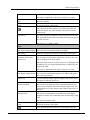
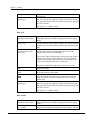
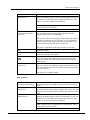
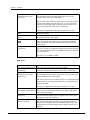
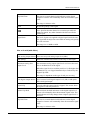
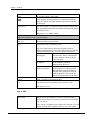
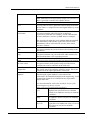
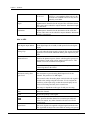
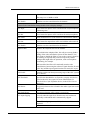
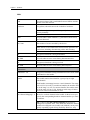
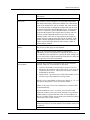
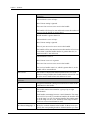
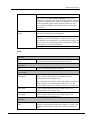
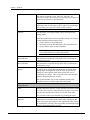
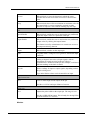
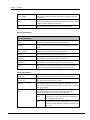
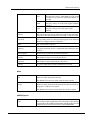
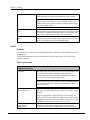
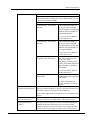
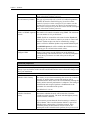
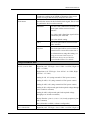
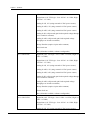
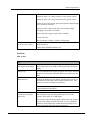
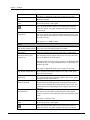
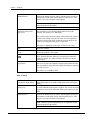
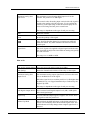
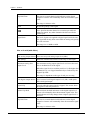
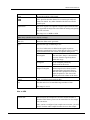
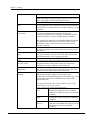
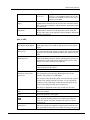
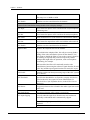
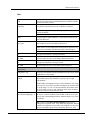
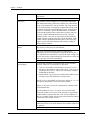
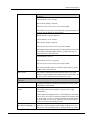
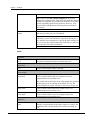
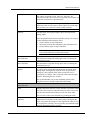
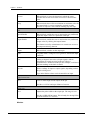
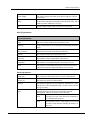
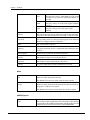
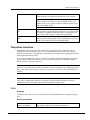
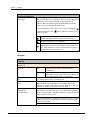
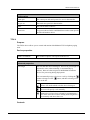
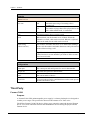
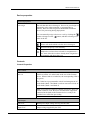
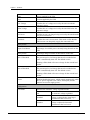
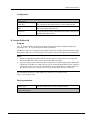
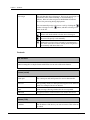
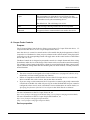
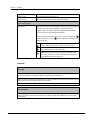
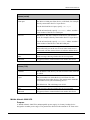
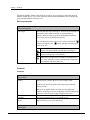
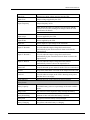
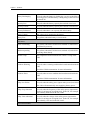
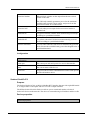
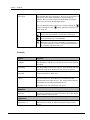
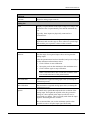
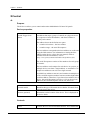
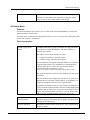
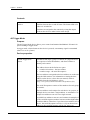
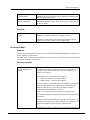
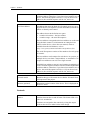
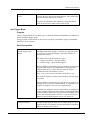
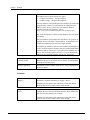
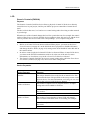
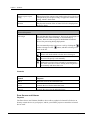
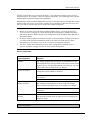
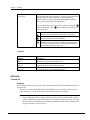
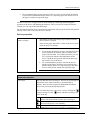
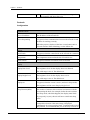
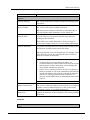
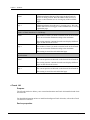
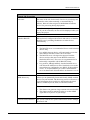
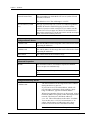
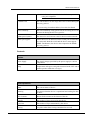
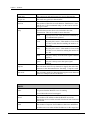
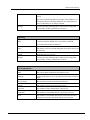
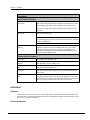
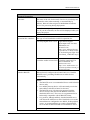
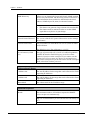
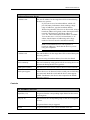
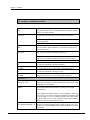
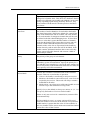
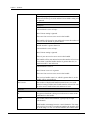
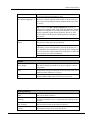
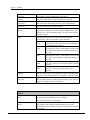
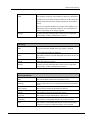
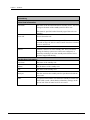
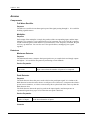
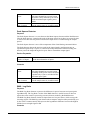
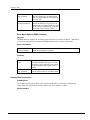
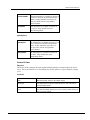
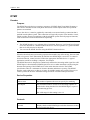
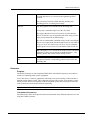
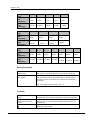
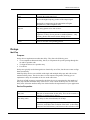
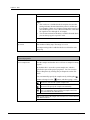
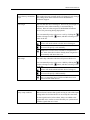
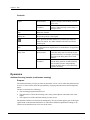
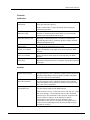
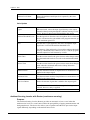
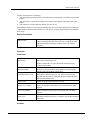
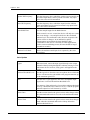
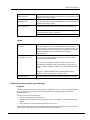
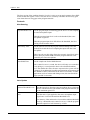
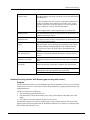
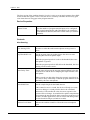
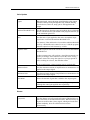
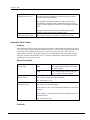
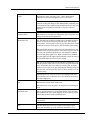
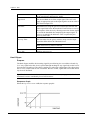
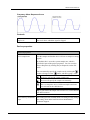
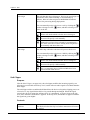
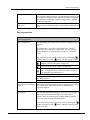
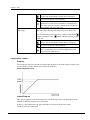
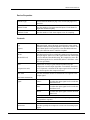
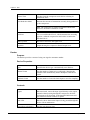
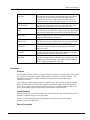
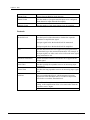
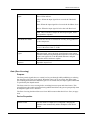
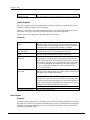
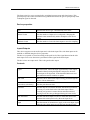
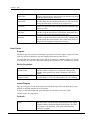
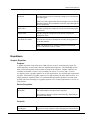
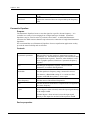
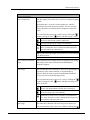
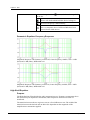
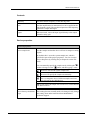
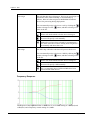
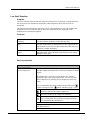
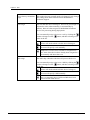
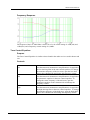
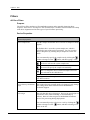
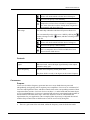
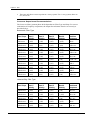
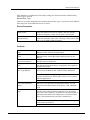
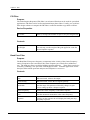
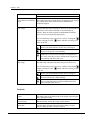
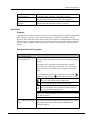
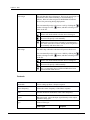
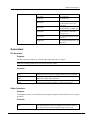
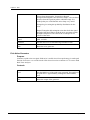
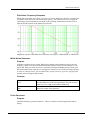
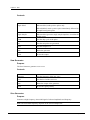
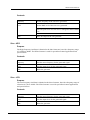
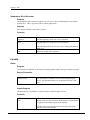
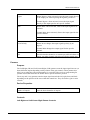
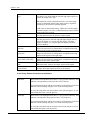
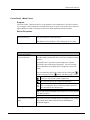
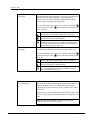
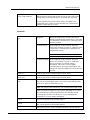
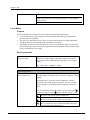
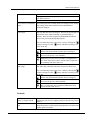
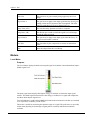
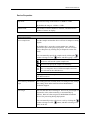
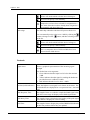
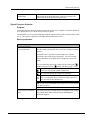
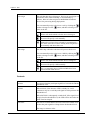
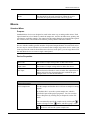
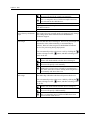
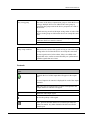
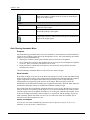
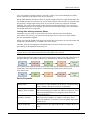
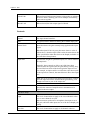
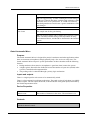
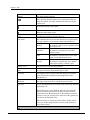
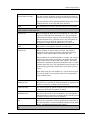
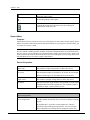
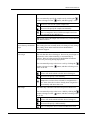
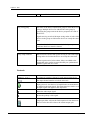
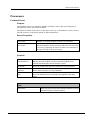
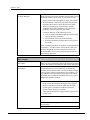
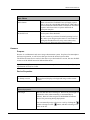
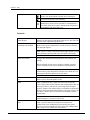
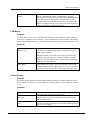
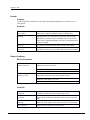
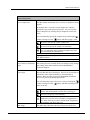
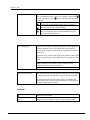
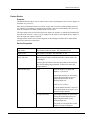
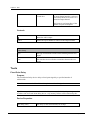
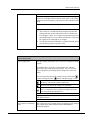
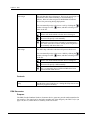
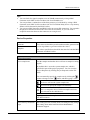
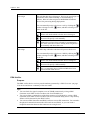
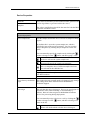
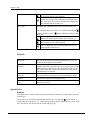
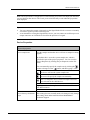
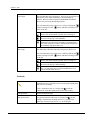
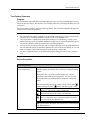
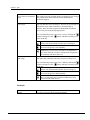
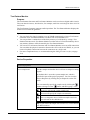
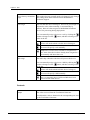
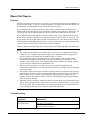
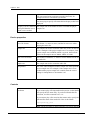
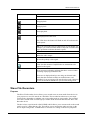
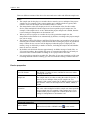
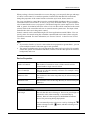
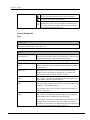
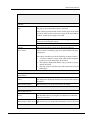
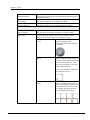
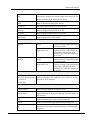
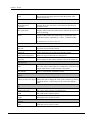
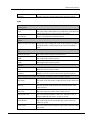
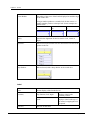
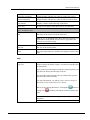
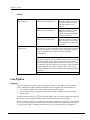
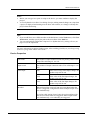
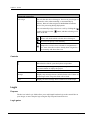
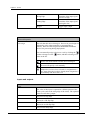
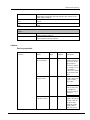
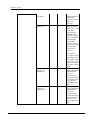
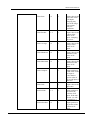
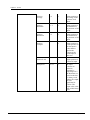
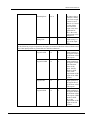
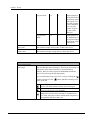
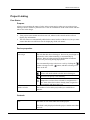
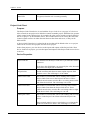
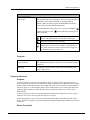
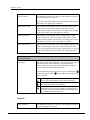
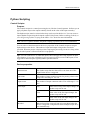
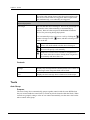
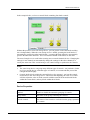
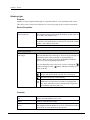
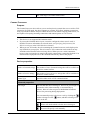
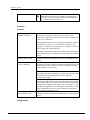
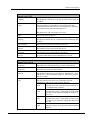
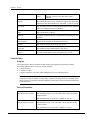
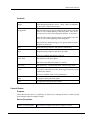
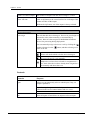
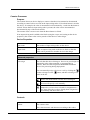
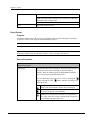
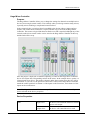
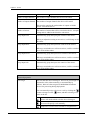
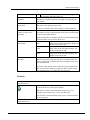
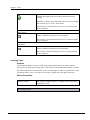
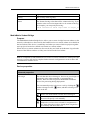
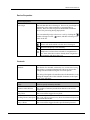
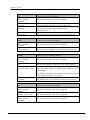
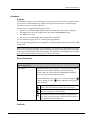
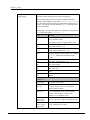
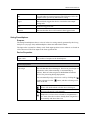
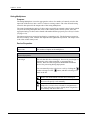
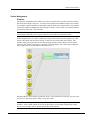
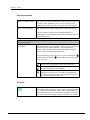
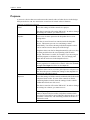
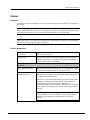
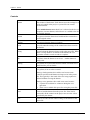
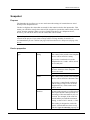
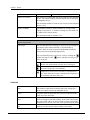
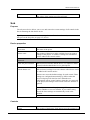
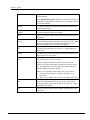
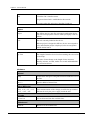
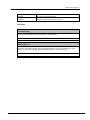
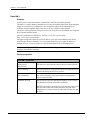
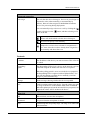
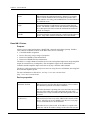
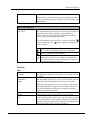
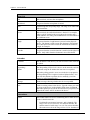
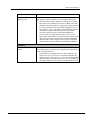
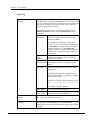
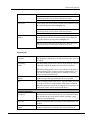
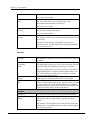
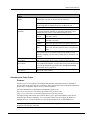
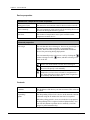
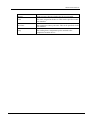
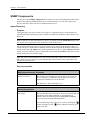
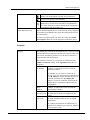
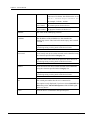
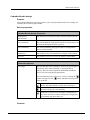
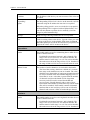
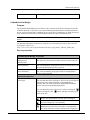
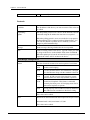
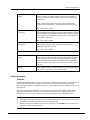
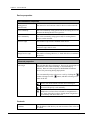
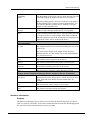
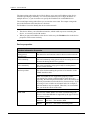
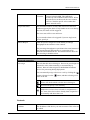
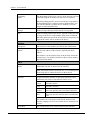
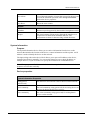
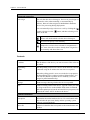
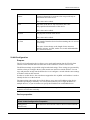
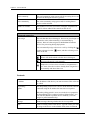
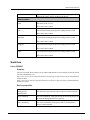
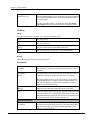
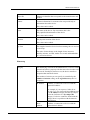
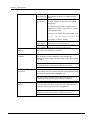
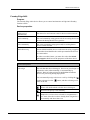
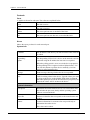
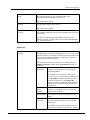
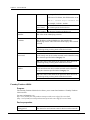
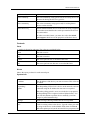
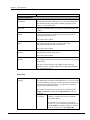
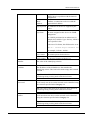
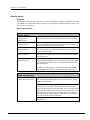
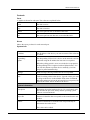
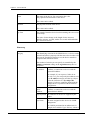
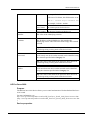
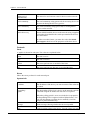
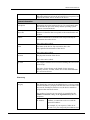
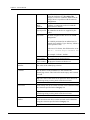
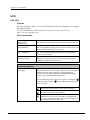
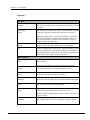
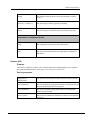
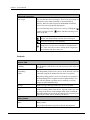
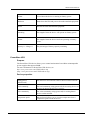
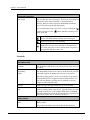
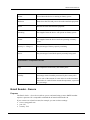
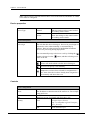
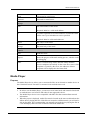
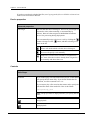
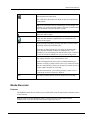
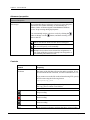
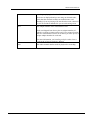
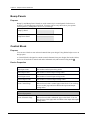
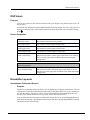
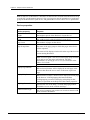
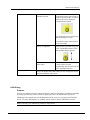
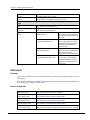
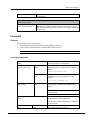
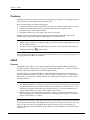
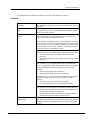
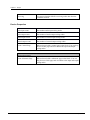
NWare Device Reference Note: Only one iPad can connect to the iPad device at a time. If a user attempts to connect another iPad, an error will be displayed on the iPad. Authentication PIN Pin code that the iPad user must enter in order to access the screens on the NWare iPad device. This setting is optional. Communications Client IP Address The IP address of the iPad. This value cannot be edited. Client Connected Lit (green) when communications between the iPad and the host are working correctly. When the project is deployed, the host is an nControl unit or nTouch 180 unit. When emulating, it is the NWare PC. Controls Active Global LED that indicates that any of the pages in this iPad device are being viewed. Wire the LED to other devices to trigger events when the user is viewing any of the available pages. Page x LED that indicates when the user is viewing page x. Wire the LED to other devices to trigger events when the user is viewing a particular page. iPhone Device Purpose The iPhone device allows you to control an NWare project from an iPhone. It works in conjunction with an nControl unit or an nTouch 180 unit, which hosts the Kiosk pages from the NWare project. Notes: The iPhone requires iOS version 4.2 or later. The NWare Mobile application or NWare Mobile Designer Edition application must be installed on the iPhone. These are both available via iTunes (http://itunes.apple.com/gb/artist/peavey-electronics-corporation/id436001313). May 28, 2015 Version 1.7.2.3 77