1
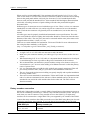
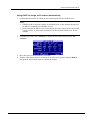
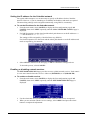
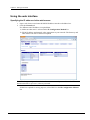
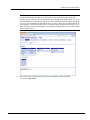
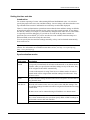
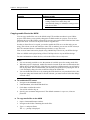
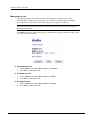
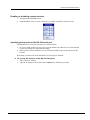
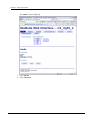
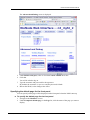
Chapter 5 - Setting up the NION Managing the role In an NWare project, devices that are part of the design are assigned to roles, either automatically by NWare or manually by the user. Each role is then assigned to a NION, nControl unit or nTouch 180 unit for processing when the project is deployed. Tip: Once a project has been deployed to a node, if the node is power cycled, the project is restarted automatically. The Audio screen shows the NWare project to which the role belongs, the name of the role and how long it has been loaded. Restarting the role 1. On the Audio screen, under Role Actions, click Restart. 2. Click OK to confirm the action. Stopping the role 1. On the Audio screen, under Role Actions, click Halt. 2. Click OK to confirm the action. Erasing the role 1. On the Audio screen, under Role Actions, click Erase. 2. Click OK to confirm the action. 44 Version 1.7.2.0 March 27, 2015