1
Chapter 15
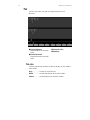
Park
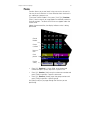
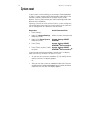
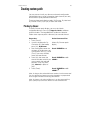
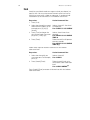
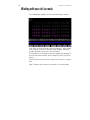
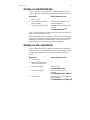
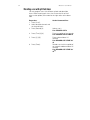
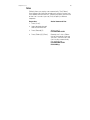
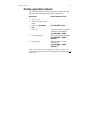
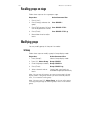
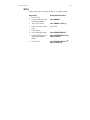
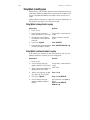
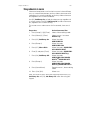
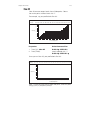
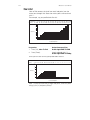
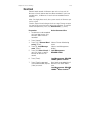
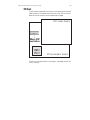
Park lets you set channels or dimmers at a level and maintain that
level on stage, regardless of other instructions. Parked channel
and dimmer levels aren’t affected by any other instructions and
won’t be recorded into cues. Parked channel and dimmer information isn’t saved when you back up your show.
Note: [Blackout] will turn off parked dimmers and channels.
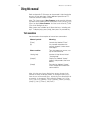
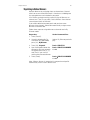
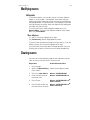
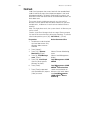
The following options are described in this chapter:
•
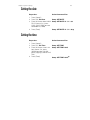
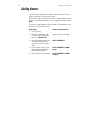
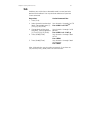
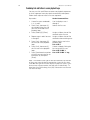
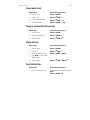
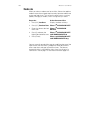
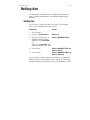
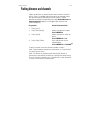
Parking dimmers and channels
•
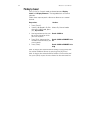
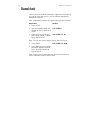
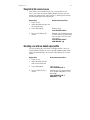
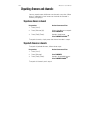
Unparking dimmers and channels
•
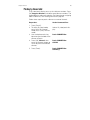
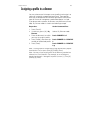
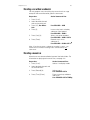
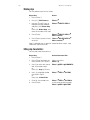
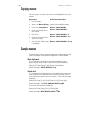
Parking groups, cues and submasters
•
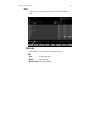
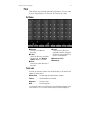
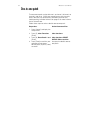
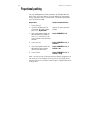
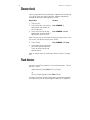
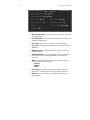
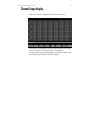
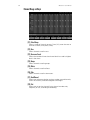
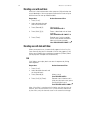
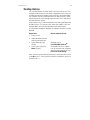
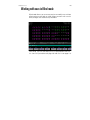
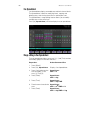
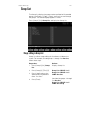
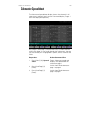
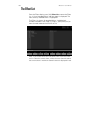
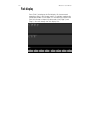
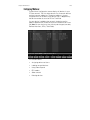
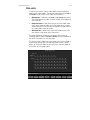
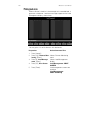
Park display
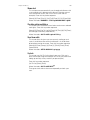
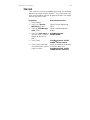
Shortcut: In Park mode you may omit use of the [Park] key for all
procedures except Unpark All.