1
206
Obsession User Manual
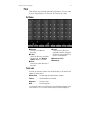
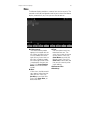
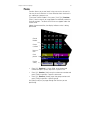
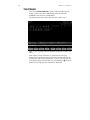
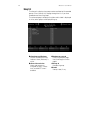
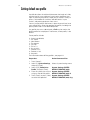
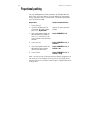
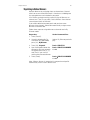
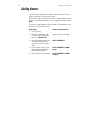
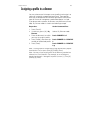
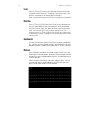
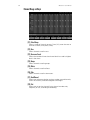
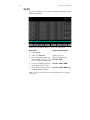
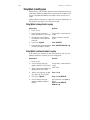
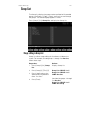
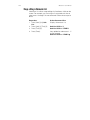
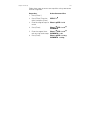
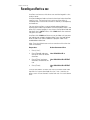
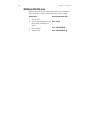
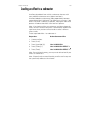
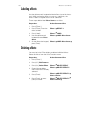
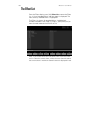
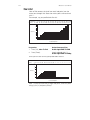
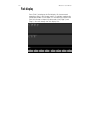
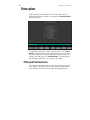
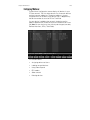
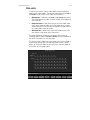
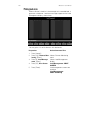
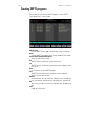
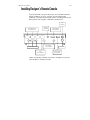
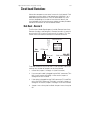
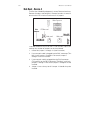
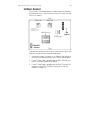
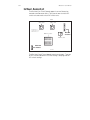
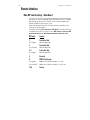
Profile display controls
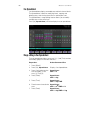
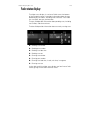
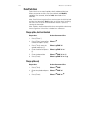
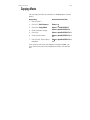
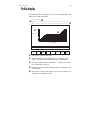
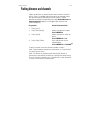
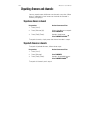
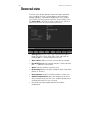
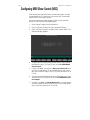
[Next] .................. Selects next profile.
[Last] .................. Selects previous profile.
[→] ...................... Selects next fade point.
[←] ...................... Selects previous fade point.
[Level wheel] ...... Adjusts level of the fade point.
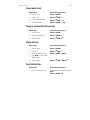
[↑] ....................... Raises output level by one.
[↓] ....................... Lowers output level by one.
[+10] ................... Raises output level by ten.
[–10] ................... Lowers output level by ten.
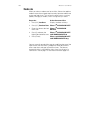
You may also enter the level on the command line.