1
DPR USER MANUAL
OVGR
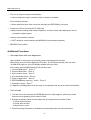
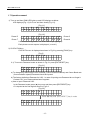
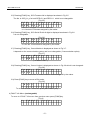
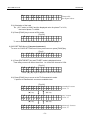
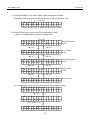
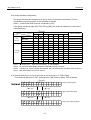
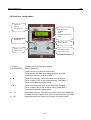
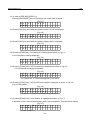
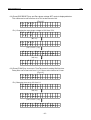
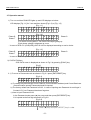
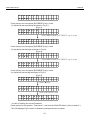
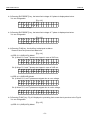
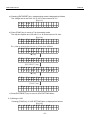
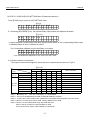
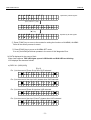
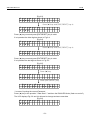
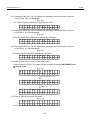
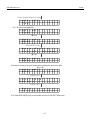
3.7) Pressing [FUNC] key, Comm Version is displayed as shown in Fig 3-7 which is
not changeable.
C o m m .
x x x x
[Fig. 3-7]
V e r s
I
o n
* x is the version No. of communication module assigned by the maker.
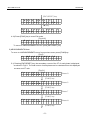
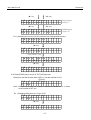
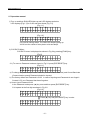
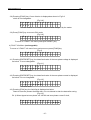
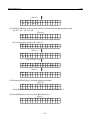
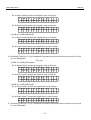
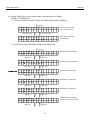
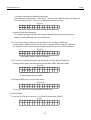
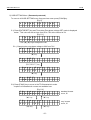
3.8) Press [FUNC] key to move to Exit mode.
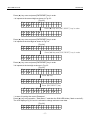
[Fig. 3-8]
E x
I
t
To move to 3.FAULT Info menu press [ENT/RESET] key
4) FAULT Info Menu (unchangeable)
To move to 3.FAULT Info menu from previous menu press [FUNC]key.
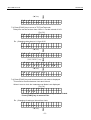
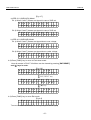
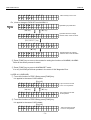
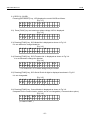
[Fig. 4]
3 . F A U L T
I n f o
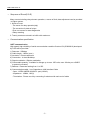
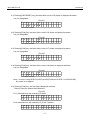
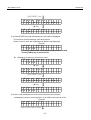
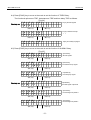
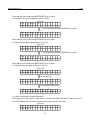
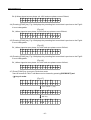
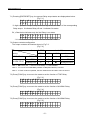
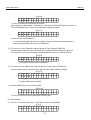
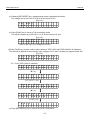
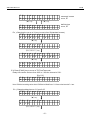
4.1) Pressing [ENT/RESET] key, the latest fault value of the zero-phase voltage is displayed
as below. It is not changeable.
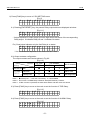
[Fig. 4-1]
F a u l t
V o
x . x x x V
* x is fault value.
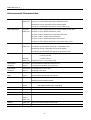
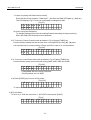
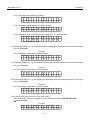
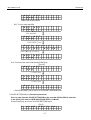
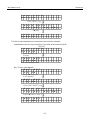
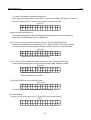
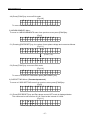
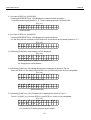
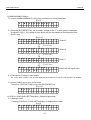
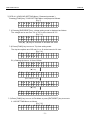
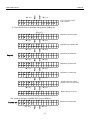
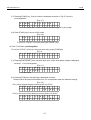
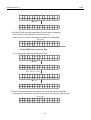
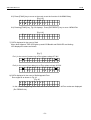
4.2) Pressing [FUN] key, the fault flag is displayed as below.
Reset to save the present fault data here. It's not allowed to alter the data after saving.
[Fig. 4-2]
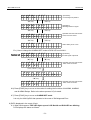
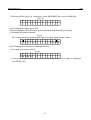
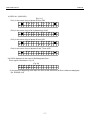
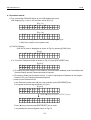
Ex.1) When tripped instantly at zero-phase volt 70.9V.
F a u
l
t
f
V
>>
:
l
a g
-
1
7 0
.
9 0
V
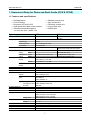
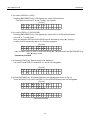
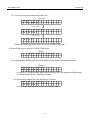
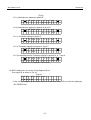
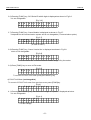
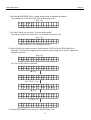
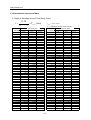
Ex.2) In the event of time-delay trip at zero-phase volt 50.9V.
F a u
l t
V >
f
:
l
a g - 1
5 0 . 9 0
-87-
V