1
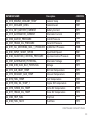
TABLE OF CONTENTS
1.................. Introduction............................................................................. 5
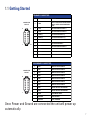
1.1............... Getting Started........................................................................7
1.2............... Preferred Screen Store......................................................... 8
1.3............... Inputs........................................................................................ 9
1.4............... Software...................................................................................9
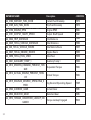
2.................. General Operation................................................................10
2.1............... Keys 1 to 4 Operation...........................................................10
2.2............... Adjusting Lighting and Contrast........................................ 11
3.................. Display Screens................................................................... 12
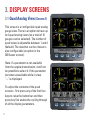
3.1............... Quad Analog View (Screen 1)............................................ 12
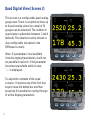
Quad Digital View (Screen 2)............................................. 14
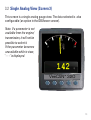
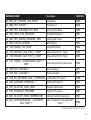
3.2............... Single Analog View (Screen 3).......................................... 15
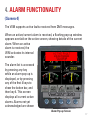
4.................. Alarm Functionality (Screen 4).......................................... 17
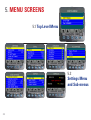
5.................. Menu Screens...................................................................... 20
5.1............... Top level menu...................................................................... 20
5.2............... Settings Menu and Sub-menus......................................... 20
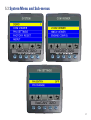
5.3............... System Menu and Sub-menus.......................................... 21
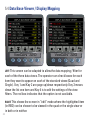
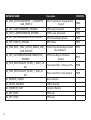
5.4............... Data Base Viewer / Display Mapping.............................. 22
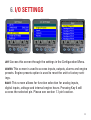
6.................. I/O Settings........................................................................... 23
6.1............... Analog Inputs....................................................................... 24
6.2............... Digital Inputs........................................................................ 25