1
Pro Admin User Manual
3
Client Overview
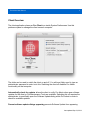
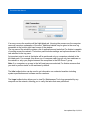
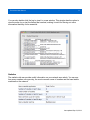
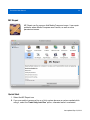
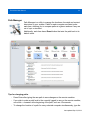
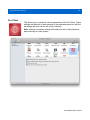
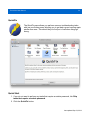
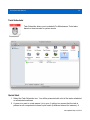
The client application places an Pro Client icon inside System Preferences. Use this
preference pane to manage the client on each computer.
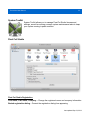
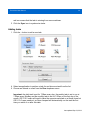
The slider can be used to switch the client on and off. You will most likely need to type an
administrator password in order to do this. Switching the client off disables Pro Admin
functionality on that computer.
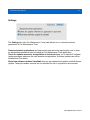
Automatically check for updates allows the client to notify Pro Admin when new software
updates for the client or Pro Maintenance Tools are available. Switching this off requires the
administrator to speci fically open the Software Update dialog within Pro Admin in order to
check for available updates.
Prevent software update dialogs appearing prevents Software Update from appearing
Last updated Sep 24, 2014