1
Pro Admin User Manual
32
Qmaster
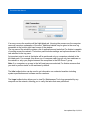
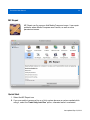
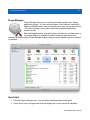
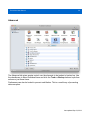
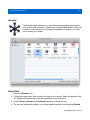
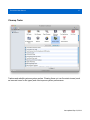
The Qmaster pane allows you to view and manage ongoing compression
jobs running on the network. It differs from Apple's Batch Monitor utility with
its ability to view any job on the network, regardless of whether or not the
job is running on a cluster.
Quick Start
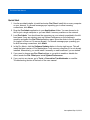
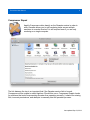
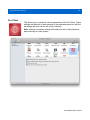
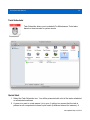
1. Select the Qmaster icon.
2. If there are compression jobs currently running on the network, these will appear in the
list. Detailed information about the job is displayed in the table view.
3. Use the Pause, Resume and Terminate buttons to manage the job.
4. The view will periodically update, or you can update manually by clicking the Refresh
Last updated Sep 24, 2014